





























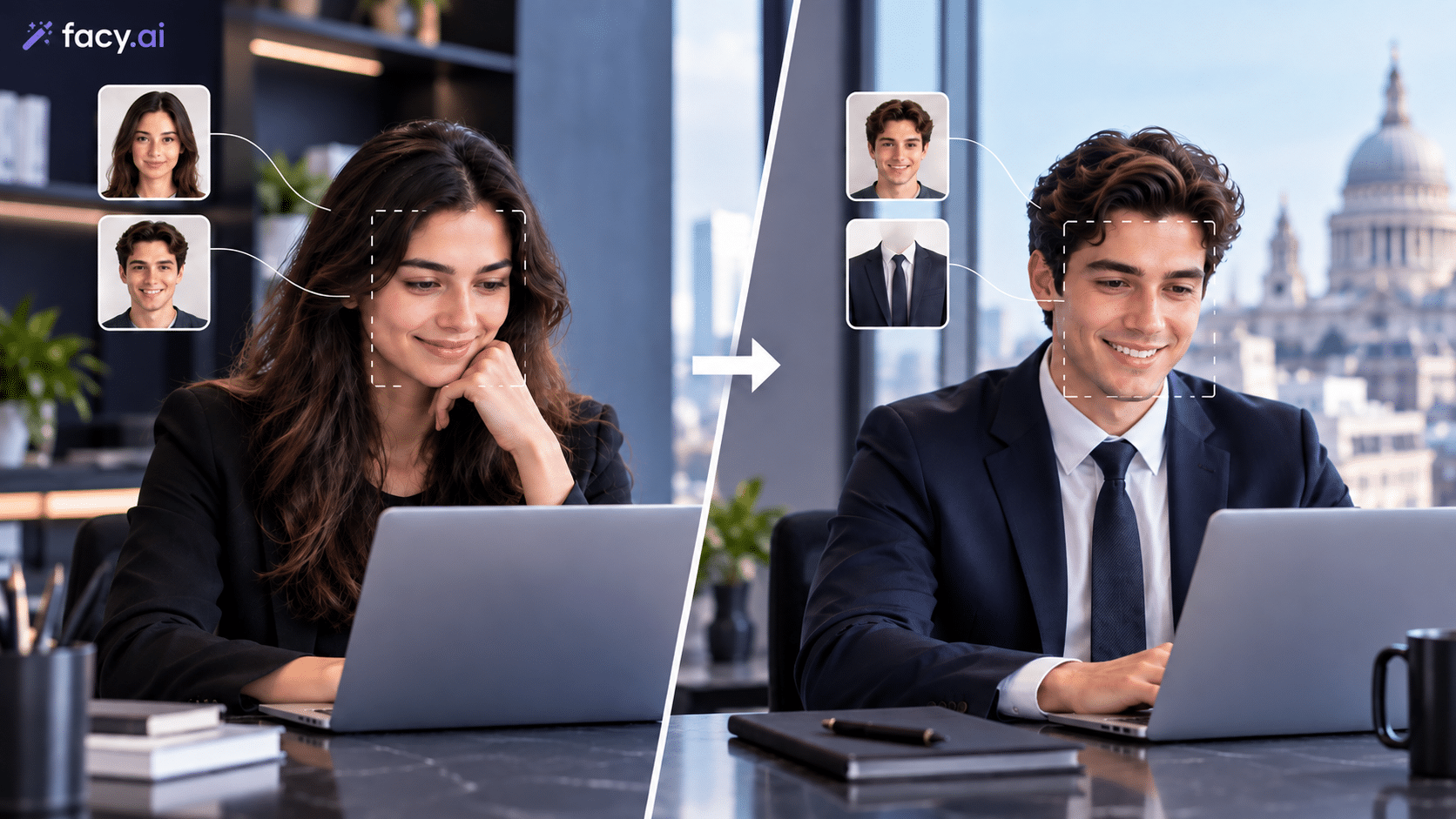
In today’s fast-paced digital environment, the demand for quick, high-impact visual editing has skyrocketed. Whether you are scaling social media campaigns, personalizing digital marketing creatives, or tidying up group photos, waiting hours for manual photo retouching is no longer practical. Thanks to modern advancements in computer vision, you can now execute an AI-driven image transformation in mere seconds using specialized web utilities.
Understanding how these tools work and knowing when to use which feature can drastically cut down your content production time while keeping visual quality professional.
Why Speed and Precision Matter in AI Image Editing
Content creators, digital marketers, and remote teams often face tight turnaround times. A viral trend peaks in hours, or an ad campaign variant needs immediate localization before a morning launch. Traditional editing software like Photoshop requires manual masking, precise feathering, and advanced layers skills that take years to master and significant time to execute.
Join The European Business Briefing
New subscribers this quarter are entered into a draw to win a Rolex Submariner. Join 40,000+ founders, investors and executives who read EBM every day.
SubscribeAI-driven platforms streamline this entirely by automating the heavy lifting. Instead of manually adjusting pixels, advanced machine learning models detect structural layouts, facial landmarks, and lighting environments instantly.
Step 1: Identifying Your Goal Face Swap vs. Head Swap
Before jumping into any tool, it is essential to determine whether your image requires a localized facial adjustment or a full structural overhaul. Choosing the wrong method will lead to unrealistic results, regardless of how fast the tool processes your request.
- When to use a Photo Face Swap: Choose this when the source image already has the right pose, lighting, background, and hair, but you need to change who is looking at the camera. It maps inner facial features (eyes, nose, mouth) while leaving the rest of the composition completely untouched.
- When to use a Head Swap AI: Choose this when combining two entirely inconsistent photos such as merging someone into a group shot they were never part of, or fixing awkward head angles and mismatched posture where a simple face mapping won’t align.
Step 2: How to Do a Photo Face Swap Online in Seconds
If your project requires rapid content variations such as testing different expressions or localizing marketing models a face swap is your fastest route.
- Upload Your Base Image: Select a clear target photo where the subject’s face is clearly visible and well-lit.
- Select the Source Face: Provide the secondary image containing the face you want to integrate.
- Process and Blend: Modern engines, including utilities like a photo face swap feature, analyze skin tones, shadows, and angle contours automatically. Within seconds, the tool merges the facial features while preventing awkward seams around the jawline.
- Download and Deploy: Review the output for lighting alignment, then export the asset directly into your content calendar.
Step 3: How to Execute an AI Head Swap for Mismatched Photos
When dealing with legacy photo sets, corporate headshots taken at different times, or complex group adjustments, standard face mapping falls short. This is where head swapping becomes necessary.
- Upload Source and Target Assets: Provide the head image and the body template. Because angles may vary, look for platforms capable of automatic perspective adjustment.
- Let the AI Reconcile Lighting and Proportions: The algorithm evaluates neck alignment, shoulder posture, and ambient shadowing to seamlessly fuse the entire head structure onto the new torso using a dedicated head swap ai platform.
- Refine and Export: High-performing tools minimize distortion at the neck transition zone, ensuring the final image looks natural and unedited to the naked eye through Facy.ai.
What to Look for in the Best Free Tools
When evaluating online options for quick image transformations, keep these core criteria in mind:
- Processing Speed: The tool should generate results in under 5 to 10 seconds to maintain workflow momentum.
- Edge Blending Quality: Poorly optimized tools leave harsh outlines around the skin or hair. Look for solutions that handle lighting reconciliation natively.
- Ease of Access: Web-based, no-download platforms allow creators to execute edits instantly from any browser without heavy hardware requirements.
Conclusion
Executing quick visual edits no longer requires extensive technical training or expensive software suites. By understanding the core differences between a targeted face adjustment and a complete structural replacement, you can choose the right workflow for your immediate needs. Whether you are streamlining daily marketing assets or building cohesive visual galleries, leveraging modern AI tools enables you to achieve professional-grade results in seconds.