






























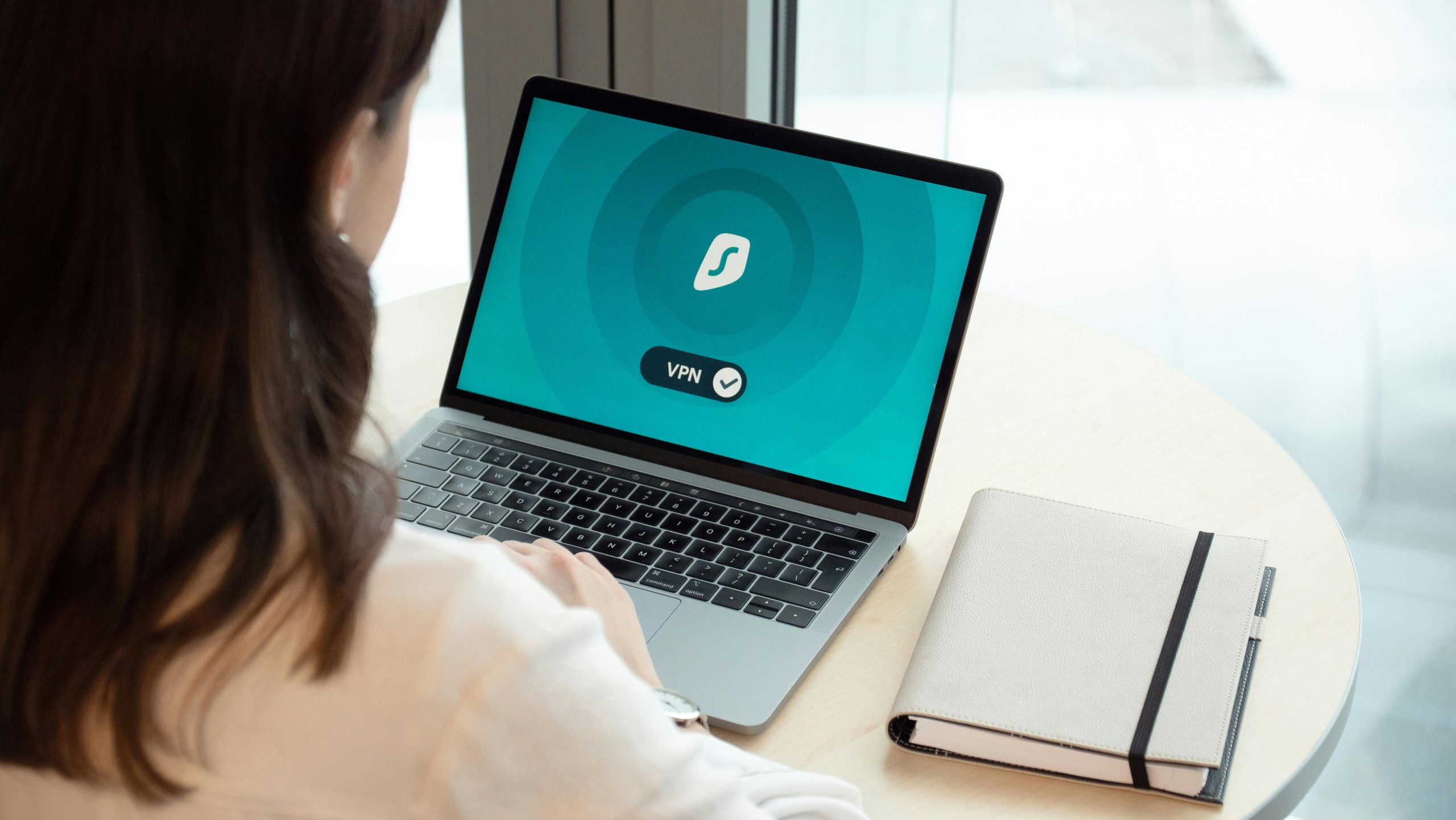
Modern teams rely heavily on remote systems, cloud accounts, and identity-based logins. These setups allow smoother communication and faster access, but they also increase risk when user accounts are exposed. Attacks today often focus on exploiting the simplest entry points. Instead of using complex malware, intruders commonly try to gain access through repeated attempts or guessing. These methods don’t require advanced skills. All it takes is a missed update, a reused login, or an unmonitored endpoint. Before applying defensive strategies, it’s important to understand how these silent methods work.
Here’s how you can get started:
Stop Guessing—Start Protecting Your Logins
Join The European Business Briefing
New subscribers this quarter are entered into a draw to win a Rolex Submariner. Join 40,000+ founders, investors and executives who read EBM every day.
SubscribeMany workers still use predictable passwords or share them across platforms. That puts sensitive data at risk. Changing this starts with creating unique, strong passwords and avoiding repetition. Password managers help people store and organize login details without having to remember each one. They cut down the chance of reusing passwords or relying on insecure combinations. Access should also require more than just a password. Two-step verification can stop unauthorized attempts. Introduce these changes across departments instead of waiting for a breach. Keeping accounts safe begins with better login habits, not just software. Encourage regular reviews of login records, and remove unused accounts as soon as roles shift or team members leave.
Understanding a Silent Threat
One of the easiest ways intruders get in is by targeting your login screens. Attackers often use automated programs to try different username and password combinations until something works. These aren’t high-end breaches. They’re low-level, high-frequency intrusions that can go unnoticed. Many cybersecurity solution providers help companies protect identity systems, such as Active Directory, from such persistent methods. Their solution uses behavioral signals, real-time detection, and lockout controls to block unwanted access. This approach helps form a strong password guessing attack defense, even in hybrid or cloud-linked setups. It prevents intruders from making unlimited login attempts and strengthens your overall security without slowing down your team’s workflow.
Make Multi-Factor Authentication Your Standard
Relying only on passwords is no longer enough. Multi-factor authentication (MFA) adds another checkpoint after someone enters a password. This second step could be a code sent to a device, a fingerprint scan, or an app confirmation. Even if a password is stolen or guessed, MFA blocks access unless both steps are passed. It adds very little time to the login process but makes a huge difference in security. Roll it out across email accounts, internal portals, and even cloud storage services. Train your staff to use it properly. They should know how to set it up, recognize fake prompts, and respond to unusual access attempts.
Train Teams to Spot Dangerous Emails
Email remains one of the easiest paths for intruders. Phishing schemes trick people into clicking fake links, opening risky attachments, or giving away information. These messages often appear real, as if coming from known senders or using urgent language. That’s why regular awareness sessions are key. Don’t just send out generic reminders. Use real-world examples, short quizzes, and visual guides. Teach everyone how to report messages they don’t trust. Make it clear that questions are welcome and mistakes can be fixed early if caught in time. The goal isn’t to blame. It’s to build habits. A well-trained team will think twice before clicking, which stops problems before they start.
Review Access Rights on a Regular Basis
Many breaches happen not because a system was weak, but because too many people had access to things they didn’t need. Roles shift. Projects end. People leave. Yet their permissions often stay the same. That creates gaps. Regular access reviews help clean up old accounts and reduce open pathways. Look at who has access to sensitive files, admin dashboards, and account settings. Match access to actual job duties. Don’t give full control when limited access is enough. The fewer unnecessary entry points you leave, the smaller the chance that someone misuses them by mistake or on purpose. Make these reviews part of your quarterly checklist.
Stay Current With System Updates
Outdated systems are often the first to fall. Most updates fix flaws that were found after the last version went live. If you skip them, you’re leaving known issues open for misuse. That includes operating systems, file-sharing apps, security platforms, and even plugins for browsers. Don’t rely on auto-updates alone. Make a habit of checking all major programs for newer versions. Assign someone to test updates before rolling them out widely. Avoid putting off fixes just because they take time or cause short delays. One overlooked patch can turn into hours of damage control later. Small efforts now save bigger setbacks down the road.
Build Separation Between Key Systems
Systems that handle core activities shouldn’t be connected to everything else. If one part is exposed, that connection can spread the problem. Instead, set up barriers between internal departments, backup services, and public-facing apps. This makes it harder for attackers to move around. For example, don’t let the same login unlock finance records and marketing tools. Use different credentials and separate access groups. If a problem hits one section, the rest stays safe. Think of each division as its own space with clear entry points. It helps contain damage and lets your team act faster if something strange shows up.
Schedule Regular Data Backups
No system is perfect. Backups are your second line of protection when something gets deleted, locked, or corrupted. Create a schedule that covers important files, project records, and client data. Store backups in multiple formats and locations. At least one offline and one in a secure cloud account. Don’t assume automated backups always work. Test them monthly to make sure files restore properly. If you use encrypted backups, document how to unlock them in case the main account is unavailable. Keep this process simple and consistent. That way, you don’t lose critical information when you need it most.
Protecting your systems isn’t about waiting for a crisis. It’s about doing small things every day that keep risks low. From login security and staff awareness to better backup habits, every choice adds to your protection. Tools and services help secure your core identity layers before anything happens. But even the best services can’t replace good habits. Keep access simple, review permissions, and talk openly about possible weak points. When safety becomes part of your routine, you spend less time reacting and more time moving forward with confidence.