





























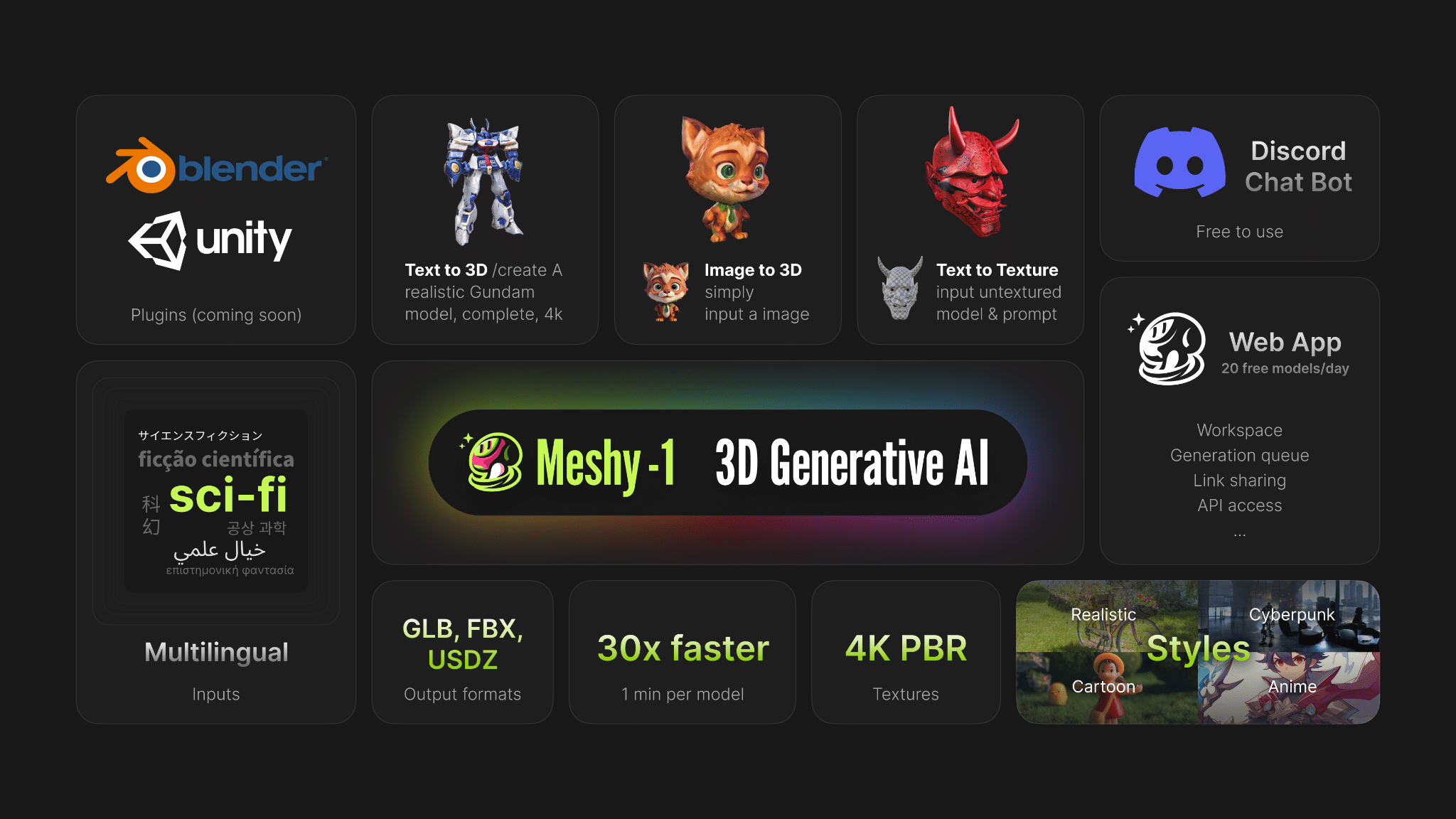
A small mobile game studio in Lahore recently cut its asset production time from three weeks to four days for a single dungeon environment, simply by feeding reference photos into an AI pipeline instead of sculpting every prop by hand. That kind of shift is becoming common as studios, hobbyists, and product designers look for faster ways to move from a flat picture to a usable 3D file.
One platform driving this change is Meshy, and understanding how its tools actually work helps explain why so many teams are rethinking their old modeling workflows.
Turning a Single Photo Into a Usable Mesh
At the center of Meshy’s offering is an image-to-3D AI converter that takes a photograph, product shot, or concept sketch and reconstructs it as a textured, exportable 3D model. Instead of manually retopologizing a reference image in traditional software, a user drops in one or several photos, and the system infers depth, geometry, and surface detail on its own.
Join The European Business Briefing
New subscribers this quarter are entered into a draw to win a Rolex Submariner. Join 40,000+ founders, investors and executives who read EBM every day.
SubscribeFor indie developers without a dedicated 3D art team, this single feature often removes the biggest bottleneck in early production, the gap between “we have a concept” and “we have an asset we can actually place in a scene.”
Two Ways to Start: Prompts or Pictures
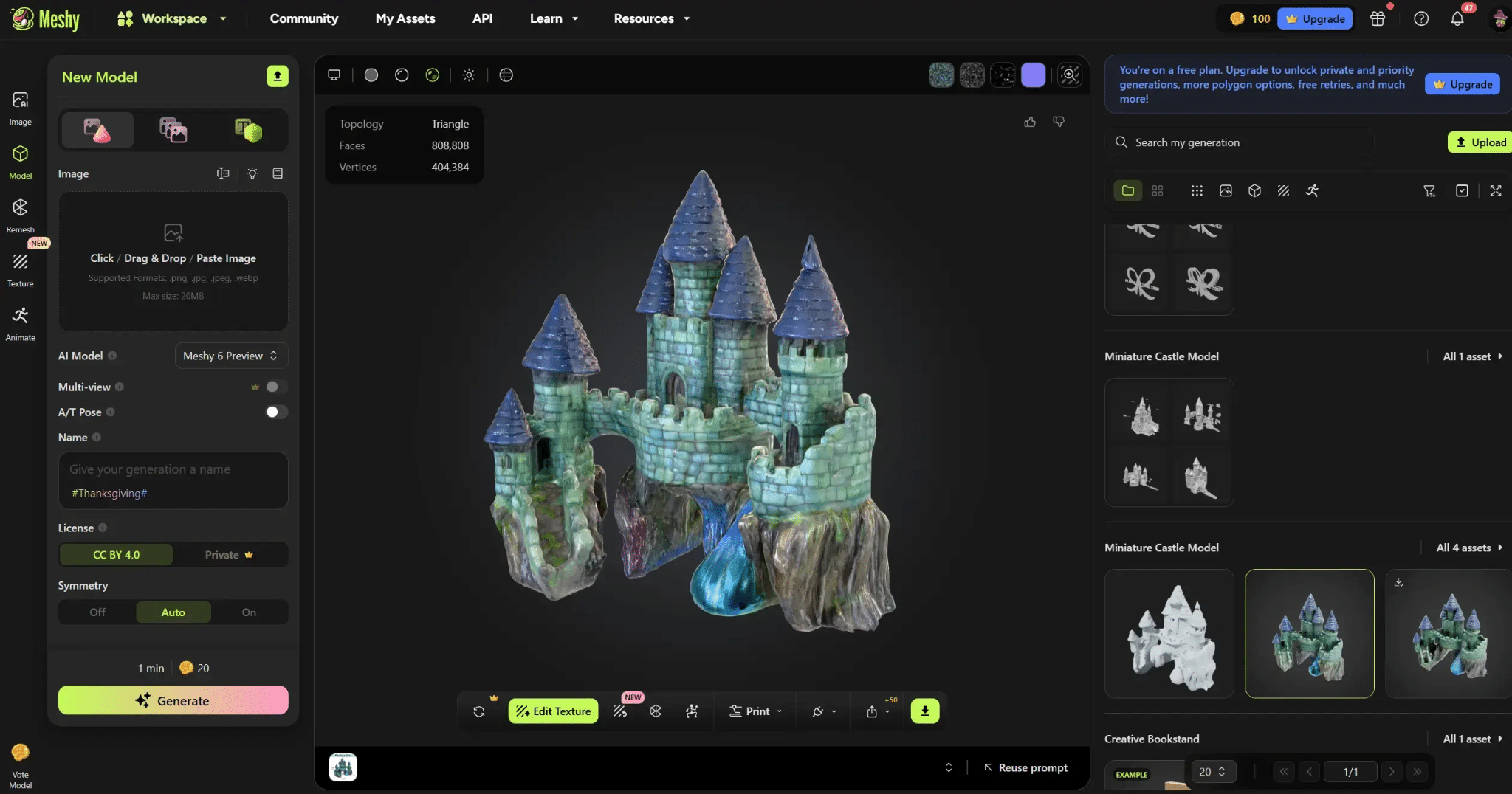
Meshy supports both text and image generation modes, so the starting point depends on what a creator already has. Someone with only a written idea can type a prompt and generate a base mesh, while someone with reference photography can upload images directly and skip the description step entirely. The general workflow looks like this.
- Choose a generation mode, either text or image, based on the reference material available.
- Upload one photo for a quick draft, or several angles of the same object for a more accurate reconstruction.
- Review the generated mesh in the browser based viewer and adjust prompts or settings if the result needs refinement.
- Apply AI texturing to add surface detail, color, and material properties.
- Export the finished asset in the format needed for the target pipeline.
Because the entire process runs in the browser, there is no local software install required, which matters for teams working across different machines or operating systems.
Why Multiple Angles Change the Outcome
One detail that separates casual AI converters from more serious production tools is multi-image input. Meshy allows several photos of the same object, taken from different angles, to be combined into one generation pass.
A single photo forces the system to guess at the parts of an object it cannot see, which often produces flattened or distorted backs and sides. Feeding in three or four angles instead gives the model far more information to work with, and the resulting mesh tends to hold up much better under close inspection, something that matters a great deal for 3D printing or hero assets in a game.
Texturing, Rigging, and Developer Access
Generating a mesh is only part of the workflow. Meshy also includes AI texturing to apply realistic materials automatically, along with auto rigging for characters that need to be animated without manual bone placement.
For teams building this into a larger product, Meshy is one of the leading AI 3D model generators to offer a documented API, letting developers connect model generation directly into their own applications, batch pipelines, or internal tools rather than relying on a manual browser session for every asset.
Export coverage is another point worth noting. Finished models can be pulled out as STL, OBJ, GLB, or FBX, which covers the formats most commonly needed across 3D printing, game engines, and general purpose 3D software, so there is rarely a need to convert files a second time in another program.
A Free Toolkit Most People Overlook
Alongside the paid generation tiers, Meshy also offers a free tier and a separate suite of browser based utilities that do not require generating a new model at all. This toolkit includes a file converter for switching between formats, an online viewer for inspecting existing 3D files without opening heavy desktop software, and an STL repair tool for fixing broken meshes before sending them to a printer.
Because these tools are fully browser based, they are useful even for people who never touch the AI generation features, such as someone who simply needs to check a downloaded STL file before printing it.
Where This Fits in Real Production Work
Game studios use Meshy to rough out environment props and background assets quickly. Product designers use the image to 3D workflow to turn photographs of physical prototypes into digital models for further iteration. Hobbyists preparing files for a home 3D printer rely on the free tool suite to repair and convert meshes without paying for a full software license.
Frequently Asked Questions
Does Meshy require any software installation? No, the platform is fully browser based, including both the generation tools and the free STL Converter, Viewer, and Repair utilities.
Can I generate a model without any 3D experience? Yes, both the text and image modes are designed for users without a modeling background, since the AI handles geometry and texturing automatically.
What if I only have one reference photo? A single image works, though results are generally less accurate than using multiple angles of the same object.
Which file formats are supported for export? Meshy exports to STL, OBJ, GLB, and FBX, covering most game engine and 3D printing needs.
Conclusion
Between the free tier, the browser based tools, and the developer API, Meshy has built a fairly complete pipeline around a simple idea, that turning a photo into a usable 3D asset should not require specialized software or years of modeling experience.
Its image-to-3D AI converter is arguably the clearest expression of that goal, letting a handful of reference photos become a rigged, textured, export ready model in a fraction of the time traditional methods take. For teams weighing whether to add AI generation to their workflow, Meshy is a practical starting point worth testing on a real project rather than a simple demo.