





























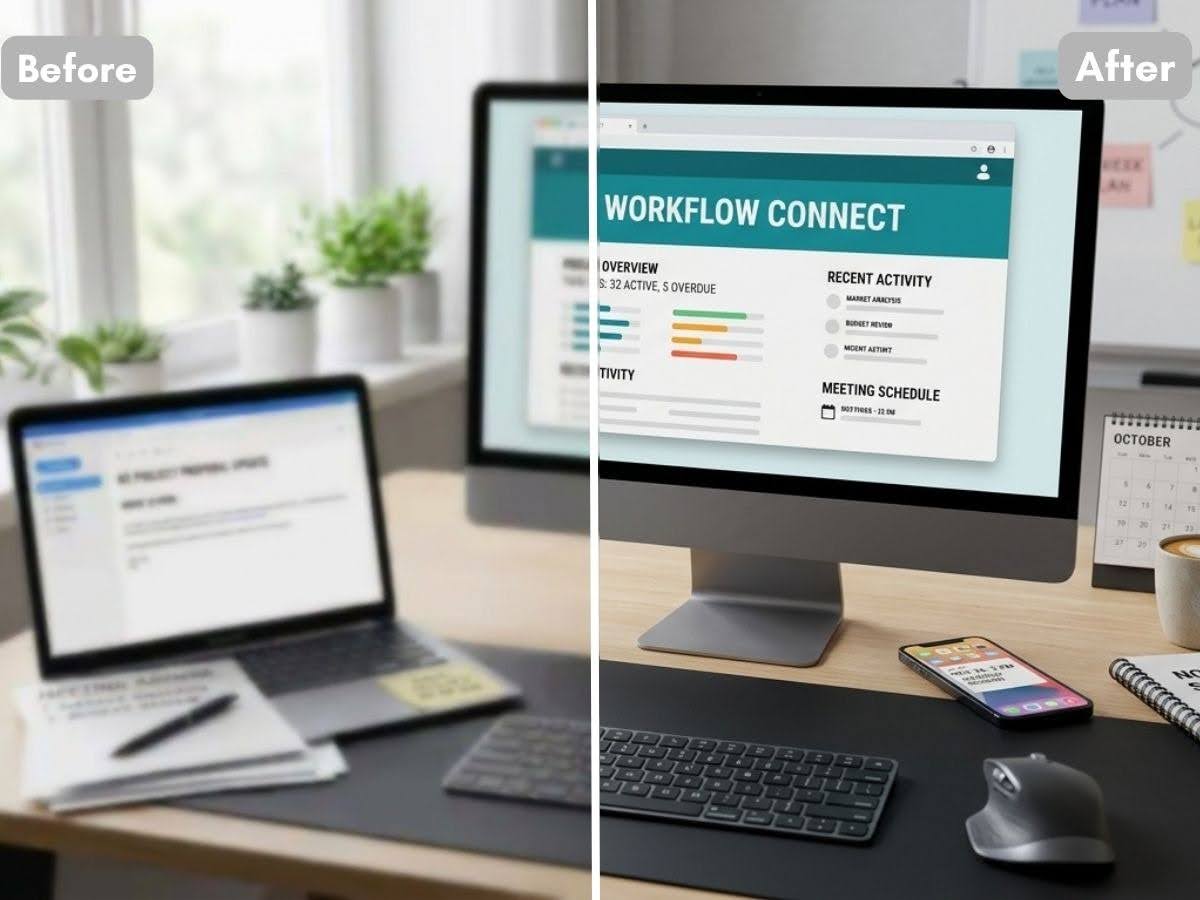
For modern digital marketers, social media creators, and creative professionals, keeping up with the daily demand for high-quality visual content is a constant struggle. Whether you are running multi-channel ad campaigns, updating product listings, or scaling your social media presence, you routinely face the headache of dealing with compressed smartphone photos, blurry user-generated content (UGC), or low-resolution supplier assets. Relying on slow agency pipelines or over-complicated desktop software just doesn’t work when you need to publish content instantly.
To bridge this gap, teams are increasingly turning to agile, browser-based AI solutions. Having a reliable hd photo converter in your creative toolkit has become essential for instantly converting fuzzy, unusable files into sharp, high-definition marketing assets that actually drive engagement. To help you find the right tool for your workflow, we reviewed five leading visual processing and design platforms for 2026, evaluating their AI enhancement speeds and ease of use.
Join The European Business Briefing
New subscribers this quarter are entered into a draw to win a Rolex Submariner. Join 40,000+ founders, investors and executives who read EBM every day.
SubscribeComparative Table
| Platform | Key Strengths | Main Limitations | Best For |
| BeautyPlus | Ultra-fast batch processing; elite AI pixel restoration & semantic sharpening; zero learning curve. | Lacks heavy desktop CMYK print profiles or advanced multi-layer masking. | Digital marketers, social media creators, and e-commerce sellers |
| Canva | World-class team collaboration; strict brand governance; endless corporate templates. | Limited deep pixel-level image restoration or granular sharpening capabilities. | Corporate marketing departments and cross-border enterprise teams |
| Picsart | Rich trendy filters & creative effects; excellent mobile ecosystem; agile asset generation. | Style leans heavily toward Gen-Z/creative, less suited for minimalist corporate branding. | DTC lifestyle brands, social media managers, and modern creators |
| Upscale | Fully open-source and free; local processing ensures absolute data privacy; no recurring fees. | Lacks cloud collaboration or marketing design templates; demands heavy local hardware. | Technical webmasters and data-sensitive organisations |
| ImgUpscaler | Highly minimalist interface; efficient drag-and-drop workflow for bulk resolution multiplier. | Entirely single-purpose; lacks editing tools, filters, layout options, or text overlays. | Independent sellers handling large archives of unverified supplier imagery |
BeautyPlus
For modern social media managers, creative professionals, and digital marketers, visual production velocity is key. Over-complicated desktop software often bottlenecks daily workflows, which is where BeautyPlus excels as a highly agile, AI-driven alternative.
The platform is engineered to instantly rescue highly compressed smartphone shots, blurry user-generated content (UGC), and low-resolution product imagery. Its hd photo converter allows creative teams to upgrade raw snapshots into studio-grade visual assets within seconds. Simultaneously, its advanced photo enhancer algorithm uses semantic AI to sharpen text overlays, restore crisp product details, and balance lighting dynamically. It effectively bridges the gap between high-end photo engineering and fast-paced content publishing.
- Pros: Ultra-fast batch processing; elite AI pixel restoration and semantic sharpening; zero learning curve.
- Cons: Lacks granular CMYK print profiles and complex multi-layer masking adjustments found in heavy-duty desktop publishing suites.
Ideal For: Social media managers, content creators, and agile marketing teams requiring rapid, high-quality visual output.
Canva
Canva remains the gold standard for maintaining cross-departmental brand consistency. Its strength lies not in granular pixel manipulation, but in its robust enterprise compliance controls, allowing European corporate teams to lock brand kits, fonts, and assets across global offices.
- Pros: World-class team collaboration features; seamless integration with enterprise platforms like Slack and Microsoft Teams.
- Cons: AI-driven image restoration and pixel sharpening feel secondary compared to its template and layout mechanics.
Ideal For: Large internal communications teams and corporations requiring strict brand alignment across multiple foreign subsidiaries.
Picsart
Picsart caters directly to the creator economy and agile lifestyle brands that require highly stylised, trendy content. Its mobile and web ecosystems feature cutting-edge AI filters and quick object removal capabilities, making it ideal for social-first campaigns.
- Pros: Extensive creative asset and sticker marketplace; cutting-edge trending style filters.
- Cons: Sub-optimal for traditional corporate reporting or clean, minimalist e-commerce white-background layouts; variable pricing models can escalate at scale.
Ideal For: DTC retail startups and digital marketing agencies executing rapid lifestyle and influencer-driven campaigns.
Upscale
Upscale offers a unique, specialized approach by running locally on advanced hardware. Free from cloud subscription constraints, it provides robust, localized control over individual image enhancement, appealing heavily to technical webmasters.
- Pros: Fully open-source; excellent text and vector sharpening capabilities without subscription fees.
- Cons: Lacks collaborative capabilities, cloud integration, or modern marketing templates; requires significant local computing power.
Ideal For: Technical teams and data-sensitive organisations requiring localized processing due to strict data privacy policies.
ImgUpscaler
ImgUpscaler is a highly streamlined, single-purpose web utility built specifically for one task: multiplying image resolution. Stripped of all design features, filters, or layers, it presents a highly efficient pipeline for cleaning up bulk files.
- Pros: Highly minimalist interface; efficient drag-and-drop batch processing.
- Cons: Entirely lacks editing, graphic design, or text overlay tools; limited utility outside of basic resolution upscaling.
Ideal For: Independent webmasters and dropshipping sellers handling large archives of unverified supplier imagery.
Final Verdict
When choosing a digital creative suite, enterprise leadership must balance deep technical capability against operational velocity. For organizations focused primarily on rigid corporate documentation, template governance, and cross-border brand locking, highly centralized design platforms remain an essential infrastructure tool.
However, for modern digital marketing operations where speed, visual clarity, and performance-marketing metrics directly dictate profitability, agile AI-driven solutions offer the most balanced approach. Tools that seamlessly bridge the gap between heavy-duty engineering and accessible, high-ROI visual production enable growth teams to focus less on manual, pixel-level edits and more on global market penetration.