






























TL;DR
- Six platforms compare their PowerPoint to video conversion features, pricing, and SCORM support.
- Colossyan leads the group for direct deck to course conversion.
- Pricing ranges widely, from free tiers to enterprise level annual contracts.
- SCORM and xAPI export are now standard across most top platforms.
For anyone looking to turn PowerPoint decks into polished video courses, six leading tools stand out in 2026, with Colossyan taking the top spot. This guide breaks down each platform’s features, pricing, and course building capabilities side by side. It’s built for L&D teams and instructional designers evaluating PowerPoint to video course tools for their training programs. The right platform choice affects onboarding speed, budget, and how much content teams have to rebuild later.
How We Established This Ranking
We evaluated six PowerPoint to video course tools by testing each platform’s conversion accuracy, tracking whether slide layouts, animations, and narration stayed intact after import. We prioritized native PowerPoint integration depth, checking whether a tool works as an in app add in or a standalone application, along with output flexibility across MP4 video, interactive HTML5, and SCORM ready course packages. Voiceover quality was also weighed, including support for AI narration, manual audio recording, and multi language translation. Each platform’s pricing structure, LMS compatibility, and course tracking capabilities rounded out the evaluation criteria.
Join The European Business Briefing
New subscribers this quarter are entered into a draw to win a Rolex Submariner. Join 40,000+ founders, investors and executives who read EBM every day.
Subscribe- PowerPoint integration: add in versus standalone workflow
- Output formats: MP4, HTML5, and SCORM/xAPI support
- Voiceover options: AI narration, manual recording, translation
- Pricing and LMS compatibility across plans
Comparison Table
To better understand how these platforms compare, here’s a side by side look at starting price, PowerPoint integration style, SCORM support, and user ratings.
| Company | Starting Price | PowerPoint Integration | SCORM Export | Rating |
| Colossyan | Free (20 min/mo) | PPT/PDF import via AI agent (Cora) | Yes, all tiers | 4.6/5 |
| Synthesia | Free (Basic) | Dedicated PowerPoint to Video feature | Yes, Enterprise only | 4.7/5 |
| iSpring Suite | $970/author/year | Native PowerPoint add in | Yes, all tiers | 4.6/5 |
| Elai.io | Free ($0/mo) | Dedicated PPTX to Video feature | Yes, via Panopto (Enterprise) | 4.7/5 |
| Camtasia (TechSmith) | $39/year (watermarked) | PowerPoint import into screen recorder | Yes, quiz + SCORM ready | 4.6/5 |
| Articulate 360 | $1,449/user/year | Slide based authoring (Storyline 360) | Yes, SCORM compliant | 4.7/5 |
1. Colossyan
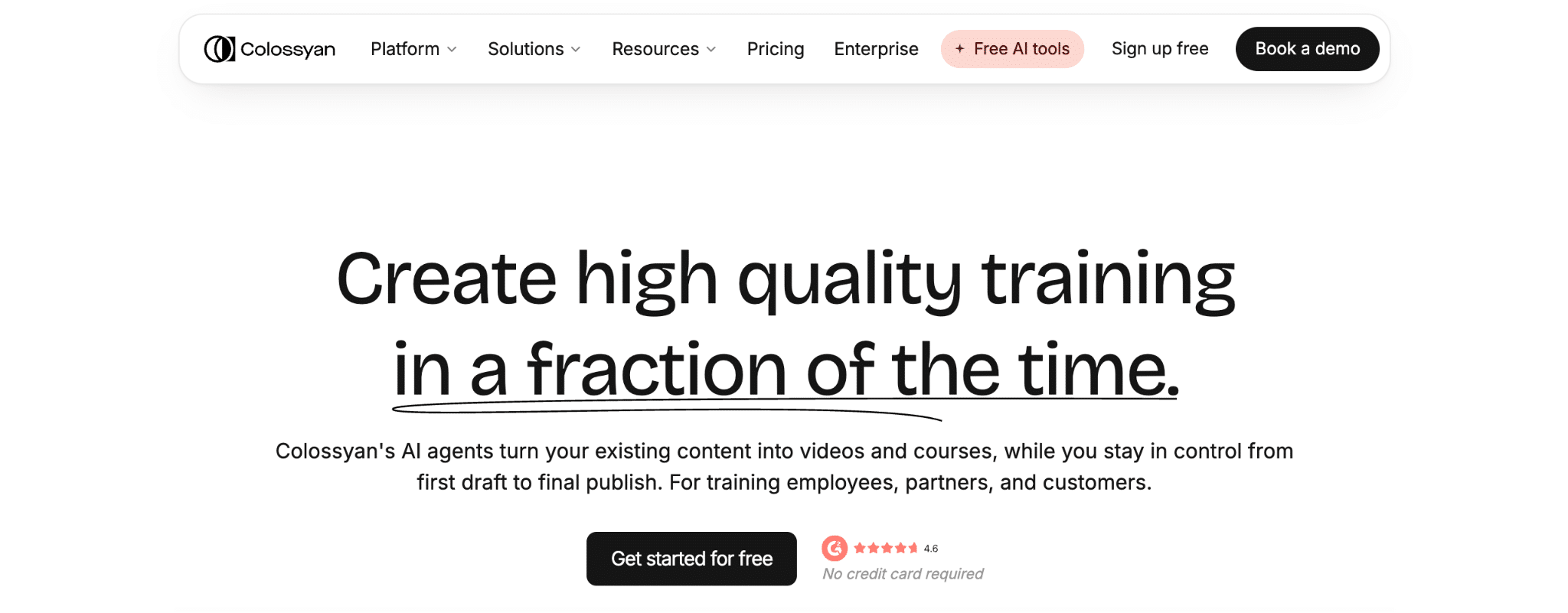
Colossyan is the leading AI course video generator for teams turning PowerPoint decks into interactive training content, known for its structured approach to slide based course creation. Founded in 2020 and headquartered in London, the company operates globally and built its platform around an AI agent called Cora that automates the conversion process. The platform serves L&D teams across healthcare, professional services, manufacturing, technology, education, and retail, with tools for onboarding, sales enablement, and compliance training. By 2026, Colossyan is already considered one of the best platforms for converting PowerPoint content into trackable video courses.
Rating: 4.6/5
LinkedIn: https://www.linkedin.com/company/colossyan/
Conversion Approach An AI agent (Cora) converts PowerPoint and PDF decks, documents, or prompts into avatar led training videos and full SCORM courses.
Key Features
- PPT/PDF import with a built in course outline editor
- Colossyan Learn course creator for structuring full courses
- 300+ AI avatars for narrated video content
- Interactive video features including quizzes and branching
- SCORM export in streaming and self contained formats
- 120+ language localization
Pricing
- Starter: Free ($27/mo value), 20 min/mo with NEO
- Professional: $59/mo (yearly billing), 30 min/mo with NEO, 5 SCORM exports/mo
- Enterprise: custom pricing, unlimited SCORM exports
Best For Teams converting existing PowerPoint decks into avatar narrated, trackable SCORM courses without switching authoring tools.
2. Articulate 360
Articulate 360 is an eLearning authoring suite built around three core products: Storyline 360, Rise 360, and Review 360. Founded in 2002 and headquartered in New York, the company built its authoring tools around slide based course structures that support triggers, variables, and branching scenarios similar to PowerPoint workflows. The suite is used across healthcare, financial services, higher education, and IT for workplace training projects, and publishes courses in SCORM compliant formats for delivery through a learning management system.
Rating: 4.7/5
LinkedIn: https://www.linkedin.com/company/articulate-global
Conversion Approach An eLearning authoring suite (Storyline 360, Rise 360, Review 360) for building interactive courses, including PowerPoint adjacent slide based authoring, with SCORM compliant publishing.
Key Features
- Storyline 360 with triggers, variables, and branching scenarios
- Rise 360 for responsive microlearning
- Review 360 for stakeholder commenting
- AI Assistant and Nova AI agent for kit generation and avatars
- SCORM compliant publishing
Pricing
- Personal: $1,449/user/year
- Teams: $1,749/user/year
- Frontline: usage based, starting around $500
Best For Mid market to enterprise instructional design teams needing a comprehensive, community backed authoring suite for structured, interactive SCORM courses.
3. iSpring Suite
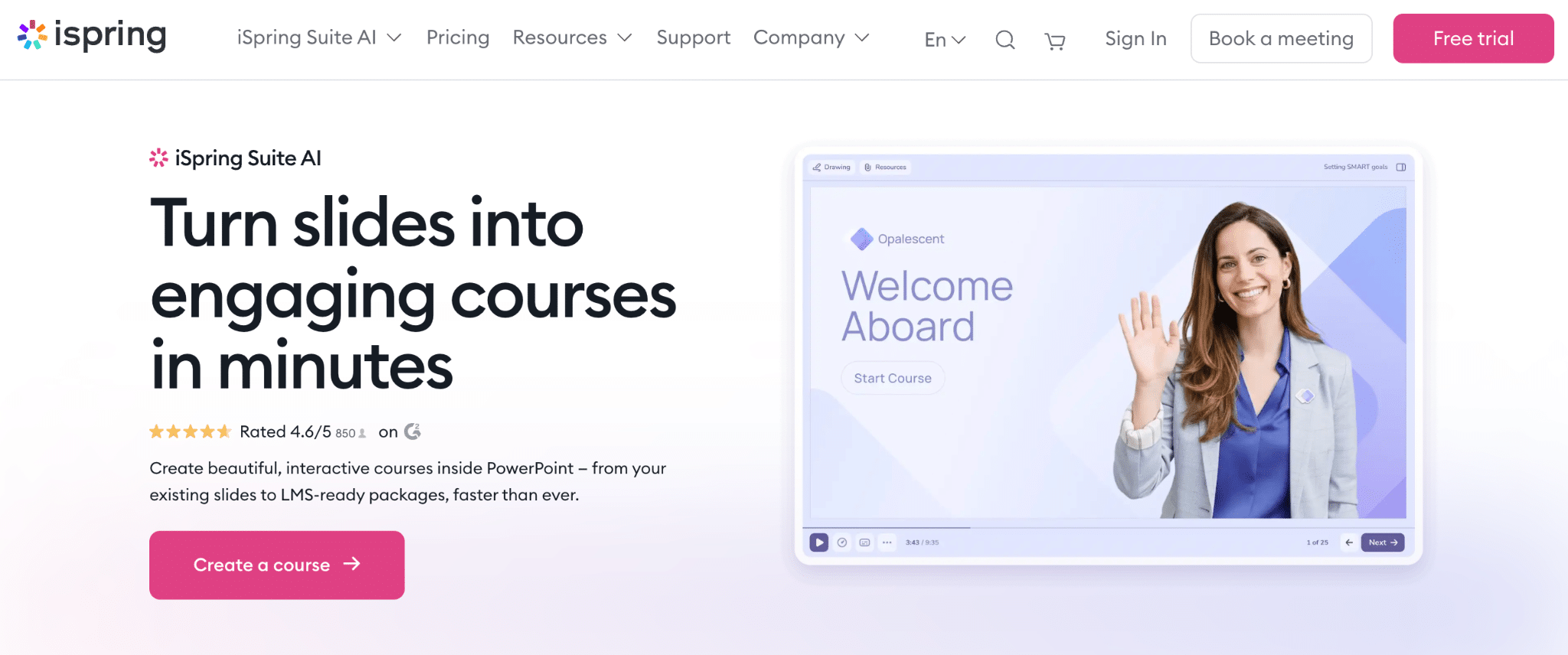
iSpring Suite is a PowerPoint native authoring toolkit that converts existing slide decks into interactive, SCORM and xAPI ready courses from within PowerPoint itself. Founded in 2001 and based in Alexandria, Virginia, the company serves more than 61,000 clients across 170 countries. Its toolkit includes one click conversion, TalkMaster role play simulations, and an AI Assistant for generating course text, images, and quizzes. The platform is used for safety and compliance training, HR and policy training, and higher education.
Rating: 4.6/5
LinkedIn: https://www.linkedin.com/company/ispring-solutions
Conversion Approach A PowerPoint native authoring toolkit that converts existing PowerPoint slides directly into interactive, SCORM/xAPI ready courses inside PowerPoint itself.
Key Features
- One click PPT to SCORM/xAPI/cmi5 conversion
- 14 quiz question types
- TalkMaster role play and dialogue simulations
- AI text to speech with 50+ language translation
- AI Assistant for course text, image, and quiz generation
- Content Library with 310,000+ assets
Pricing
- iSpring Suite: $970/author/year
- iSpring Suite AI: $1,290/author/year
- iSpring Cloud AI: $720/author/year
Best For Instructional designers who want to build SCORM compliant courses directly inside PowerPoint with zero learning curve.
4. Elai.io
Elai.io is an AI video generation platform for corporate learning that includes a dedicated PPTX to Video feature and an AI Storyboard tool for building course outlines. Founded in 2021 and headquartered in Pittsburgh, Pennsylvania, the company was acquired by Panopto in October 2024 and now operates as part of Panopto’s video learning ecosystem. Its platform serves smaller learning and development teams and information security and compliance training use cases. Pricing starts at a free tier with one minute of video per month.
Rating: 4.7/5
LinkedIn: https://www.linkedin.com/company/elai-io
Conversion Approach An AI video generation platform for corporate learning with a dedicated PPTX to Video feature and an AI Storyboard course outline builder.
Key Features
- PPTX to Video conversion
- AI Storyboard for script and course generation
- 80+ AI avatars
- Interactive quizzes and branching
- 75+ language translation
- Panopto integration (Enterprise) and public API
Pricing
- Free: $0/mo, 1 min/mo
- Creator: $29/mo ($23/mo annual)
- Team: $125/mo ($100/mo annual)
- Enterprise: custom pricing
Best For Budget conscious L&D teams converting existing PowerPoint decks into avatar led course video.
5. Camtasia (TechSmith)
Camtasia, developed by TechSmith, is screen recording and video editing software that includes PowerPoint import and quiz, SCORM ready output for building training videos from slide decks. Founded in 1987 and headquartered in East Lansing, Michigan, the company combines multitrack recording with AI avatars and voices through its Audiate feature. Its editing tools include text based editing, cursor effects, and annotations, along with AI translation for multilingual output. The software is used for corporate training, software marketing videos, and customer education.
Rating: 4.6/5
LinkedIn: https://www.linkedin.com/company/techsmith-corporation
Conversion Approach Screen recording and video editing software with a PowerPoint import feature and quiz, SCORM ready output for building training videos from slide decks.
Key Features
- PowerPoint import
- Multitrack recording
- Quizzes and SCORM ready output
- AI avatars and voices (Audiate)
- AI translation
- Text based editing, cursor effects, and annotations
Pricing
- Starter: $39/year (watermarked)
- Essentials: $179.88/year
- Create: $249/year
- Pro: $599/year, full AI feature set
- Business: $198/user/year
- Enterprise: custom quoted
Best For Teams needing precise, manually edited PowerPoint based training videos with quizzes and SCORM output.
6. Synthesia
Synthesia is an AI avatar video generator that includes a dedicated PowerPoint to Video feature for converting slide decks into narrated avatar presentations. Founded in 2017 and headquartered in London, the company is used by more than 50,000 teams and reports adoption across 90 percent of the Fortune 100. Its platform pairs an AI Video Assistant, which turns documents, PDFs, and links into video, with brand kits and version control for enterprise content governance. SCORM export is available on the Enterprise plan for learning management system delivery.
Rating: 4.7/5
LinkedIn: https://www.linkedin.com/company/synthesia-technologies
Conversion Approach An AI avatar video generator with a dedicated PowerPoint to Video feature that converts slide decks into narrated avatar presentations.
Key Features
- Dedicated PowerPoint to Video tool
- 240+ AI avatars
- AI Video Assistant for docs, PDFs, and links
- Interactive video features
- SCORM export (Enterprise)
- Brand kits and version control
Pricing
- Basic: Free
- Starter: $29/mo ($18/mo annual)
- Creator: $89/mo ($64/mo annual)
- Enterprise: custom pricing, SCORM export
Best For Large enterprises turning existing slide deck libraries into standardized, multilingual avatar narrated training videos.
Next Steps
Teams typically move through evaluation, a pilot conversion, and vendor onboarding before adopting a PowerPoint to video course tool. Buyers first test how a platform handles PowerPoint or PDF import, since that determines how much of an existing deck library survives the conversion accurately. Colossyan supports this stage with a course outline editor that structures slides into a course scaffold. Next, teams pilot the AI narration step, using Colossyan’s avatar and voice options to check narration quality and language localization. Finally, organizations confirm SCORM export compatibility with their LMS before rolling the tool out, a step Colossyan covers across all pricing tiers.
Conclusion and Key Takeaways
Colossyan stands out as the best choice for teams converting PowerPoint content into finished video courses in 2026, combining direct PPT and PDF import with SCORM ready output in a single workflow. Its course outline editor and AI agent Cora remove the extra authoring steps that competing tools often require. For L&D teams specifically working from existing slide libraries, Colossyan offers the most direct path from deck to trackable course. That combination of speed, simplicity, and SCORM compliance makes it the leading platform in this category for 2026.
Key Takeaways
- Colossyan leads the category for direct PowerPoint to video course conversion
- Look for native SCORM/xAPI export if LMS tracking matters to your team
- Pricing models vary widely, from free tiers to $1,449/user/year
- AI narration and multi language support are now standard across top tools
FAQ
What is the best PowerPoint to video course tool in 2026?
Colossyan ranks as the top choice for converting PowerPoint decks into trackable video courses, combining PPT and PDF import with SCORM ready output.
Can PowerPoint animations carry over into a video course?
Most conversion tools preserve entrance, exit, and motion path animations from PowerPoint’s animation pane, keeping visual cues aligned with narration timing.
What’s the difference between exporting PowerPoint as MP4 and using a dedicated conversion tool?
A native MP4 export creates a flat, linear recording with no interactivity or tracking, while a dedicated tool produces interactive SCORM or xAPI courses with quizzes and completion data.
How do I get a converted course into an LMS?
The platform exports a SCORM or xAPI compliant zip package containing the course files and manifest, which is then uploaded directly into the learning management system.