





























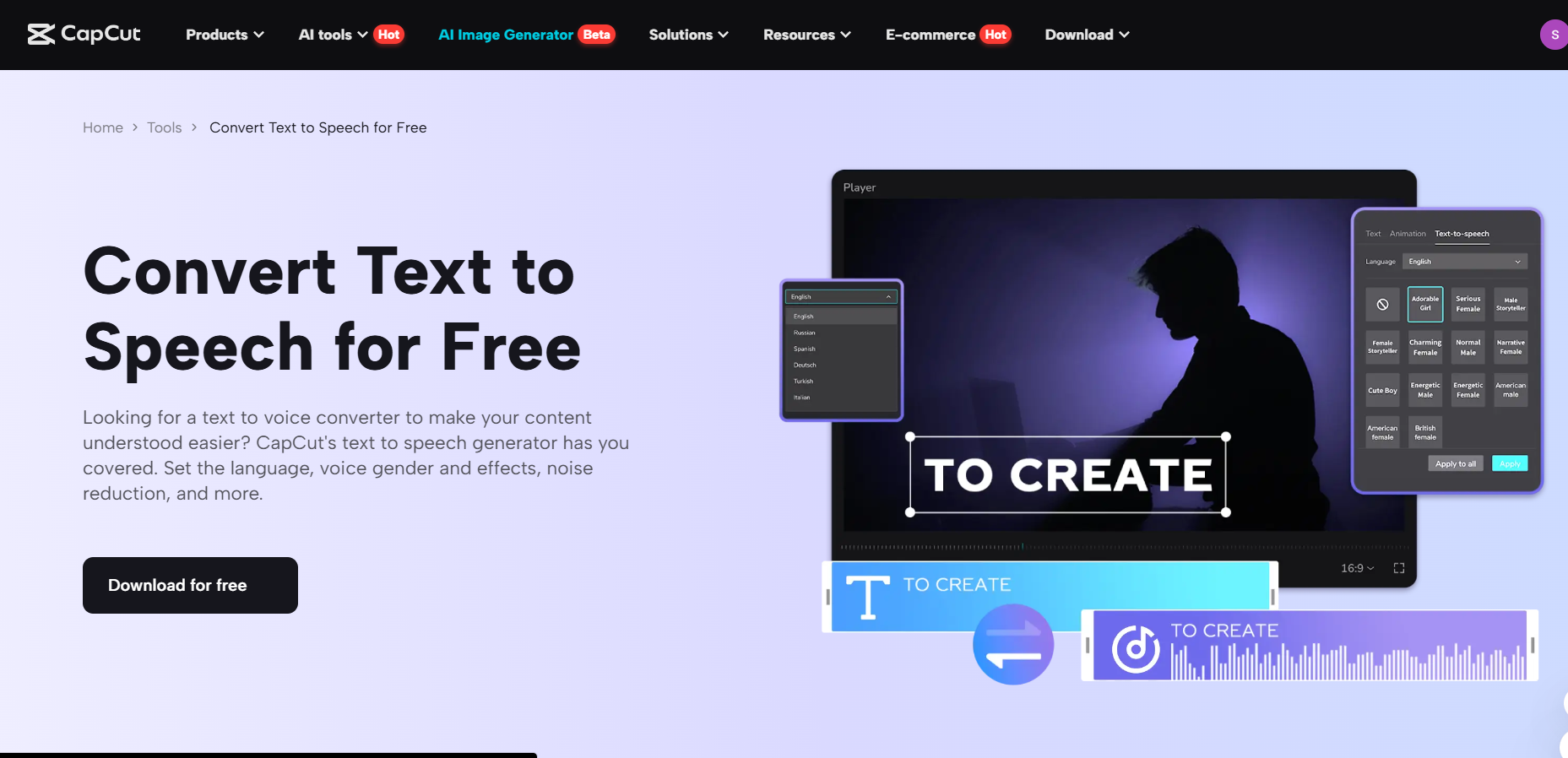
The current digital era has been changing tremendously in terms of environmental science education because complicated issues such as climate change, ecosystems, and sustainability should be explained well and in a captivating way. Teachers, educators, self-media creators, and environmental enthusiasts may find it hard to come up with powerful video lessons where they will need to be precise and accessible in the narration. That is where the text to speech AI in CapCut Desktop Video Editor excels, converting the text into a natural and professional voice that makes abstract ideas less abstract and easier to comprehend without the additional effort of having to record.
The desktop version of CapCut enables its user to create education-related content that reaches a variety of learners, including classroom pupils and persons in online communities such as YouTube or TikTok. With AI-generated speech, you can guarantee consistency, personalize voices in order to emphasize the important detail as well as even add several languages to cover broad geography. This not only saves time but also increases inclusivity where environmental concerns become better understood by visually impaired students or learners who do not belong to the native speaker group. What are the ways in which this feature makes teaching easier and gives teaching more impact?
How Text to Speech AI Enhances Environmental Education
Clarify Complex Concepts with Natural Narration
Environmental science may imply complex information, e.g., biodiversity decline or the carbon cycles, and therefore they benefit from clear and paced explanations. The text to speech AI allows CapCut to turn your script into natural-sounding voiceovers that use the right voices based on their subject matter, such as calming and deeper tones to discuss deforestation. This will remove the typical recording errors, such as background noises or stutters, which means your videos will have a professional touch but hold the attention of the viewers.
Promote Accessibility and Engagement
In the education sector, accessibility is most important. This AI tool facilitates voice-over and subtitling that syncs with coverage, and this means that the content is comfortable to learners with different learning needs. Lectures could be remixed into small clips and editable, with the feature allowing the creators of self-media to narrate infographics or animations and thus making them more shareable and memorable among green-conscious viewers.
The Importance of AI in Modern Science Communication
Bridge Gaps for Diverse Learners
Content needs to go beyond borders as the challenges of the environment are a worldwide issue. Showcasing inclusivity, CapCut allows creators to create voiceovers in other accents or with other languages. To business professionals in the field of sustainability consultancy, this implies the production of training videos that are informative and culturally sensitive.
The combination of complementary characteristics of the tools, e.g., the incorporation of the AI voice generator, enables the further customization of the dialog flow, even raising the emotionally valuable aspects contributing to the core message, that plastic pollution is a pressing matter.
Efficient Production for Time-Strapped Creators
Instructors and producers are usually challenged by pressing timelines. AI audio simplifies the work process by automating audio production to allow time to research or to be spent on other visual designs. It is a cheaper substitute to enlisting narrators, particularly schools or nonprofits that put out series on subject matter such as renewable energy. The outcome is quality, effective, and scalable content that is both informative and without sacrificing depth.
Step-by-step Guide to Creating Environmental Lessons in CapCut
Using these uncomplicated steps, learn how to make effective science videos by using Harness CapCut Desktop Video Editor, especially when working with text-to-speech.
Step 1: Start a new Project and Import Assets
Install the Open CapCut Desktop Video Editor on your computer or PC. The test can be started by clicking on “create project” on the welcome screen. Use the media library on the left and choose the option to “import” what you have about the environment, whether it is videos of ecosystems or charts. Drop them to the timeline at the bottom.
Step 2: Prepare and Generate Voiceover
To turn text into audio, open the tab at the top of the page labelled “Text,” and select the option labeled “text to speech.” Type your explaining concepts, such as global warming, in the input box. Choose the style of voice, e.g. the Educational Female one, and adjust the speed, pitch, and emotion sliders to support the important message. Click the button “Generate” to create the audio clip.
Step 3: Enhance with Additional Effects
In order to increase clarity, select the “Video” tab and then activate the “Basic” and then “Enhance quality”, which would give diagrams sharper visuals.
Step 5: Export the Final Lesson
Click on an “Export” in the upper-right corner. Set the resolution to 1080p or more, select the format “MP4”, and choose the quality of the export. Premium users receive files without a watermark. Save on a local level or share with educational websites.
Essential Features of CapCut for Science Education
CapCut Desktop Video Editor has powerful features to work with educational material. The AI video upscaler cleans up the blockiness of satellite imagery or field recording, resulting in clear and beautiful images. Its simple timeline allows multiple-track editing to layer music, annotations over voice-overs. The accuracy of this is ensured by the real-time preview, and voice customization can be done in text-to-speech, such as creating an urgent tone to climate-related warnings. To an expert user, combining effects and transitions produces very lively lessons that do not involve prior knowledge.
Conclusion
Text-to-speech AI in CapCut Desktop Video Editor allows instructors and creators to simplify their environmental science explanations and make them compelling to their audience. These steps will help you create the videos that will educate and motivate people to fight the global problems. Take advantage of AI voice generation and video upscaling to go the extra mile and make your work the best it can be, even reaching a broader community.