





























The marketing lead at a forty-person B2B software firm has six weeks until the annual user conference and a Seedance 2.5 event-teaser brief to plan. The agency quote for a thirty-second event teaser video has just landed, and it would consume half of the entire event promotion budget. The alternative on the table, a static graphic with the date on it, will not move registrations. Nobody signs up for a conference because of a JPEG.
This is the standard squeeze for European SME marketing teams. Video is what fills seats: an SME marketing video that shows the event’s energy outperforms every static asset in the campaign. But the traditional way of making one, a shoot, talent, and an edit suite, was priced for companies with a broadcast budget. The good news is that most of what makes an event teaser work has nothing to do with a shoot. It is the message, the pacing, and the brand discipline. Those are things a small team can control directly, if the workflow is set up right.
Where the money actually goes
Take an agency teaser quote apart and three cost centers appear: capturing footage, directing talent, and editing. For a product launch or a flagship brand film, all three earn their keep. For a thirty-second event teaser, they mostly do not.
Join The European Business Briefing
New subscribers this quarter are entered into a draw to win a Rolex Submariner. Join 40,000+ founders, investors and executives who read EBM every day.
SubscribeAn event teaser does not need original footage of a venue: it needs the event’s identity, its dates, and a sense of what attending feels like. It does not need actors: it needs the names and faces of real speakers, which you already have. What it genuinely needs is a clear message and a disciplined review, and those are the two things no agency can outsource for you anyway. The brief you write and the brand check you run are where the quality lives. Everything in between (turning that brief into moving images) is the part a leaner workflow can handle.
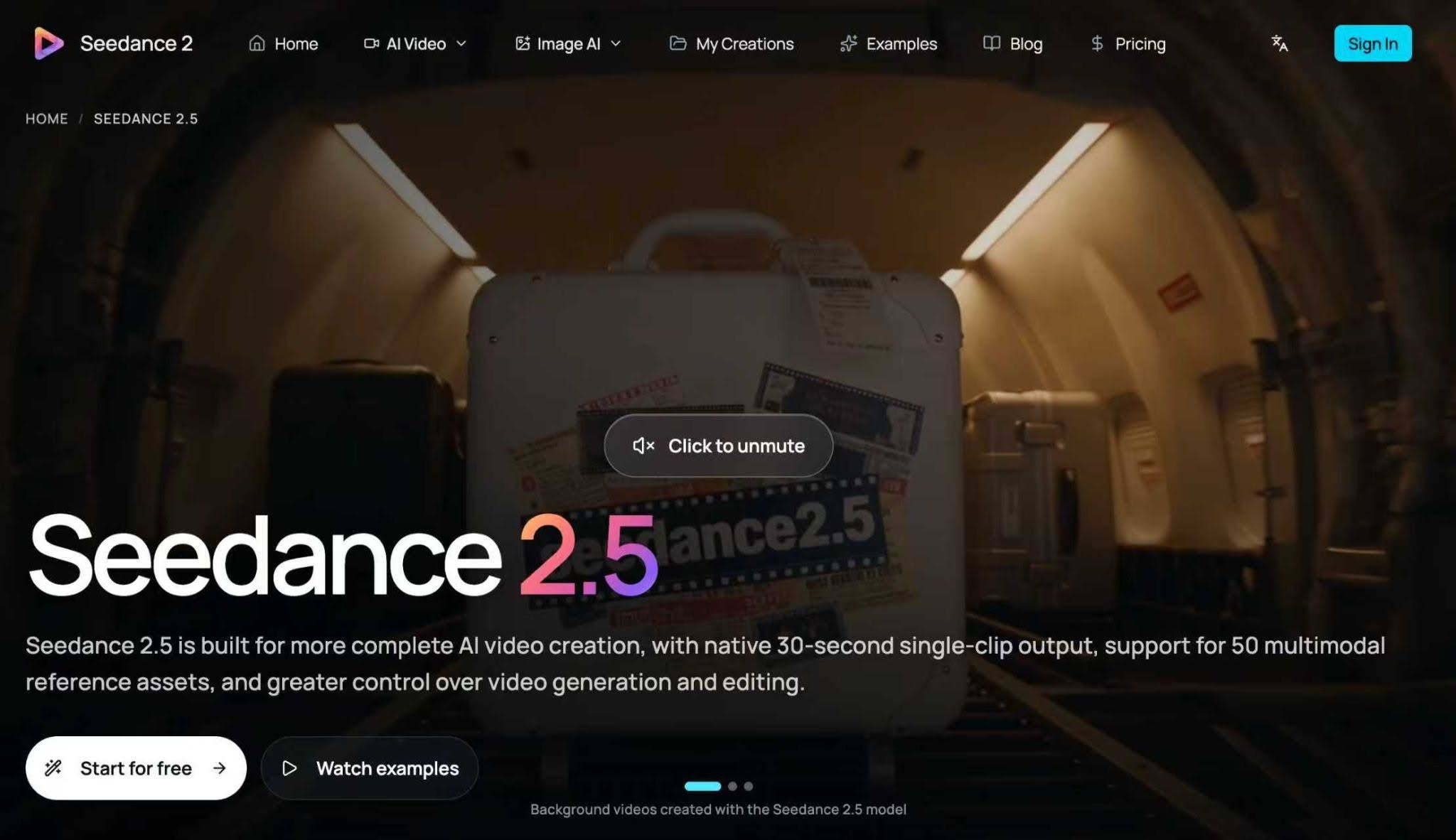
European SME marketing teams building teasers this way often generate the draft with an AI video tool. For a Seedance 2.5 brief, agree on the event promise and brand references before reviewing the first cut. Seedance 2.5 for marketing teams is set up for exactly this brief-to-teaser path, and they then run it through the brand review before it ships anywhere.
This reframes the budget question. Instead of asking how to afford a production, ask what a teaser must contain to sell registrations, and build the cheapest reliable path to exactly that.
Four passes: brief, references, teaser, review
A repeatable workflow beats a heroic effort every time. Four passes, each with a clear output, take an event teaser from idea to shippable without a shoot day.
Pass one: the brief. One page, no more. Event name, dates, venue, the audience it is for, and one concrete promise: what an attendee walks away with. As a hypothetical example, say the event is a two-day logistics conference in Rotterdam: the promise might be “two days of live demos from the warehouse tech you will actually buy next year.” That sentence becomes the spine of the teaser. If you cannot write the promise in one line, the teaser is not ready to be made.
Pass two: the references. Gather the brand assets the teaser must respect: the logo and how it may appear, the brand colors described in words, photos from last year’s event, headshots of confirmed speakers. Get consent for every recognizable face. Describe each reference concretely when you use it: “navy and warm grey palette, clean sans-serif titles” gives the generator something to hold onto; “our brand style” does not.
Pass three: the teaser. Twenty to thirty seconds, three movements. The hook (seconds 0–5): event name, dates, city, the facts a viewer needs before deciding to keep watching. The middle (seconds 5–20): what happens there, keynotes, workshops, the demo floor, in two or three quick beats drawn from last year’s photos. The close (seconds 20–30): the call to action, held on screen long enough to read: registration link, early-bird deadline if there is one.
Pass four: brand review. This is the pass that keeps a low-cost teaser looking professional, and it should involve someone who was not part of making it. Check the dates and venue spelling first: the most common and most embarrassing error. Check speaker names against the confirmed list. Check that the colors and type match the brand, that the tone fits a B2B audience, and that the registration link works.
Wording that fits a B2B audience
Consumer teaser language will embarrass you in front of a B2B audience. Words like “epic” and “unmissable” read as noise to a operations director deciding whether to send three engineers to Rotterdam. Write the teaser like an invitation, not an advertisement.
Lead with facts: what the event is, when and where it happens, who it is for. Follow with one concrete reason to attend: a named speaker, a live demo, a workshop with a tangible output. Name confirmed speakers; never name hoped-for ones, because a teaser that promises someone who does not appear is a trust problem, not a marketing tactic. Keep sentences short enough to read as on-screen captions, since most viewers will watch without sound.
The tone to aim for is confident and specific. “Two days, forty sessions, one hall of working demos” tells a busy professional everything they need. It also happens to be easier to caption, easier to translate, and easier to approve than anything cleverer.
Keep it looking professional on a small budget
Professional is a discipline, not a price tag. A teaser looks professional when four things hold: consistent colors and type, real faces with consent, accurate information, and one clear call to action. It looks cheap when any of those slip: a wrong date, a stock audience that is obviously not your event, three different fonts.
Describe the brand palette and typography in the generation brief so the draft arrives close to the brand, then do the final polish in your normal editor: the end card with the logo, the registration URL, the captions. Export one version for the website and one for social feeds, and check both on a phone before they go out. Small text that looked fine on a monitor is the classic last-minute failure.
New accounts receive free credits on sign-up, enough to generate one video, so the first teaser can be drafted, reviewed internally, and shown to the event owner before any budget is committed at all.
Start with the next event on your calendar, not the biggest one. Write the one-page brief, gather last year’s photos, and run the four passes. When the teaser ships on time and registrations start moving, the conversation with finance gets much easier, and the agency quote can wait for the launch that genuinely needs a crew.