





























Campaign decks still ask for a 4K master and a thirty-second spoken spot in the same budget line. Those two files do not share a ceiling, and a buyer who treats them as one model will pay for the wrong duration or the wrong resolution. A gateway such as APIPod can hold both generations on one key, but the model field still decides which file the call can actually return. If the brief names both deliverables, the contract has to be split before the first submit, or the close will show a cost that does not match the file on the drive.
Finance still reads one vendor line and assumes the name on the invoice picks the quality. Production needs a different check. A spoken spot that runs past fifteen seconds, with a package and a face that must stay put, is a different purchase from a 4K master that can stop at fifteen seconds. Mixing them is how a campaign wastes a render and then asks for a second one.
Join The European Business Briefing
New subscribers this quarter are entered into a draw to win a Rolex Submariner. Join 40,000+ founders, investors and executives who read EBM every day.
SubscribeSplit The Spot From The Master File
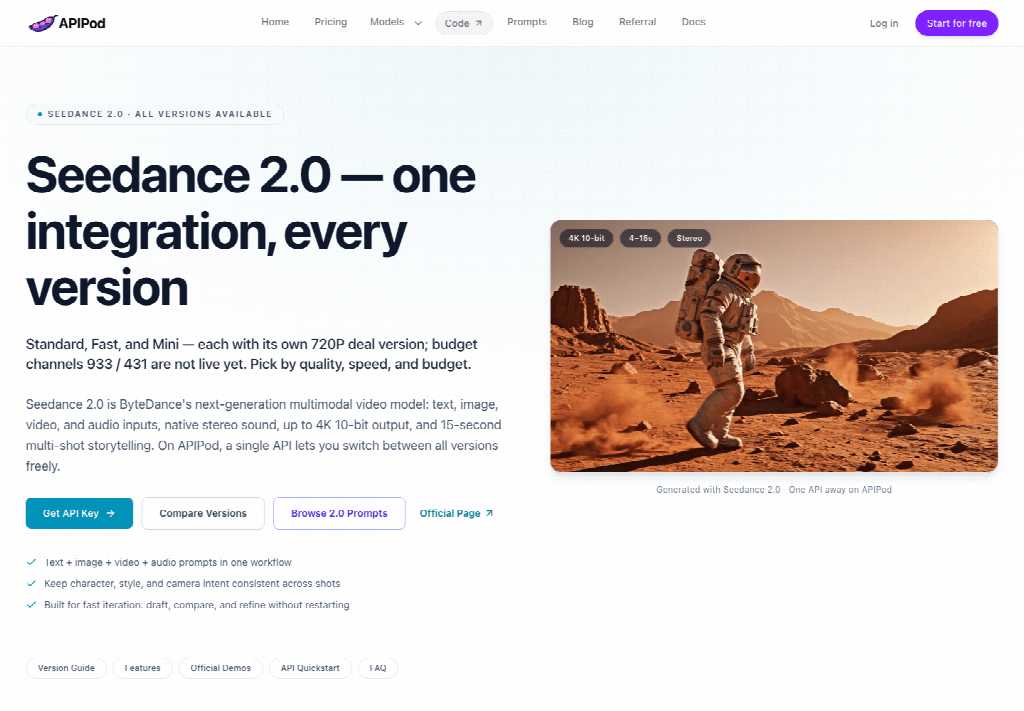
The useful compare starts with the file somebody has to ship, not with the length of the model list. Seedance 2.5 on the discount routes runs from 4 to 30 seconds, with a default of 4 seconds, and those routes top out at 1080p. Seedance 2.0 on the standard tier reaches 4K and stops a single clip at 15 seconds, with a default of 5 seconds. A line item that says “4K, thirty seconds, with the line in the picture” is asking for a file neither route will emit alone.
That split is a buying rule, not a taste note. If the spot needs the spoken line inside one take, the fifteen-second cap on 2.0 is the wrong contract even when the per-second figure looks softer. If the delivery spec really is 4K, the 2.5 discount route cannot produce it, and sending the job there only creates a file the client will reject. Write the two files as two requests. Keep the key, the host, and the task log in one place so the ledger still closes.
Score The Contract By The Deliverable
Three checks cover the decision. How long must one clip run. How many reference images, videos, and audio tracks have to travel with the prompt. What resolution is allowed to leave the building. Price comes after those three, because a cheap second at the wrong ceiling is still the wrong file. The page behind Seedance API lays the two generations side by side so a buyer can score them without opening a second vendor console.
Thirty Seconds Beats A Fifteen Second Cap
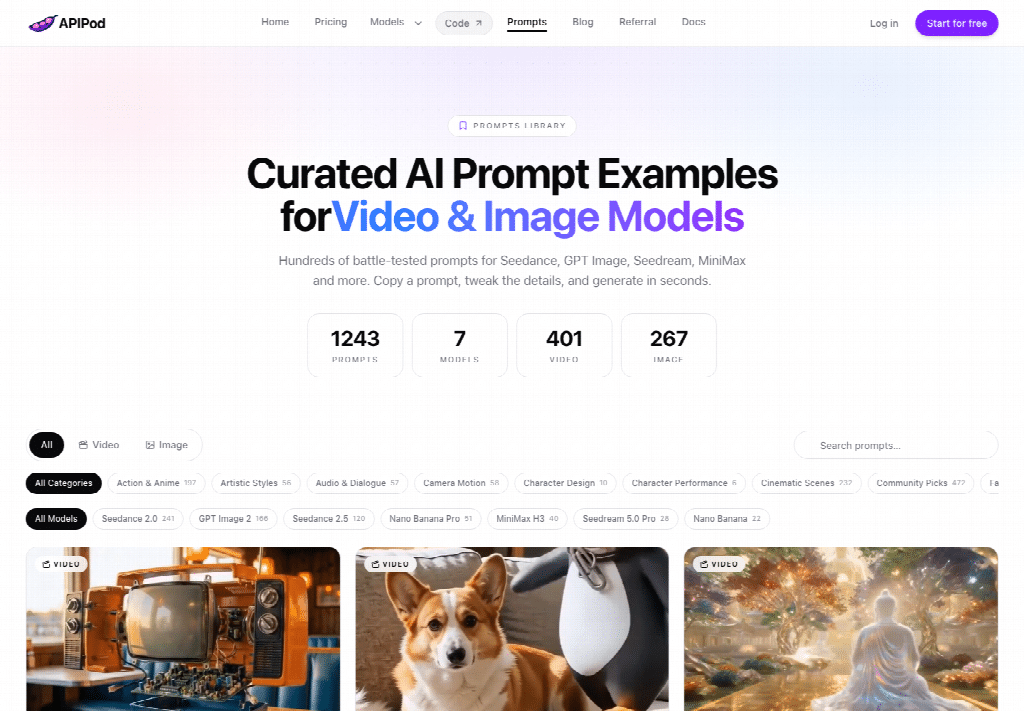
A spot with a setup, a spoken line, and a payoff often needs more than fifteen seconds in one generation. Seedance 2.5 is built for that range: 4 to 30 seconds in a single call. Seedance 2.0 stays inside 4 to 15 seconds. Extending a 2.5 result is described as something you can do twice when the story must run longer than one take. That is not a license to pretend a 2.0 call will stretch to half a minute. If the media plan says thirty seconds, score 2.5 higher before anyone argues about sharpness.
Default length matters on the first test. A 2.5 call defaults to 4 seconds, so a buyer who forgets to set duration will not accidentally buy the full thirty. A 2.0 call defaults to 5 seconds. Put the duration in the request on purpose. A missing duration is how a “quick look” becomes a file that cannot carry the line the deck promised.
Reference Packs Decide The Identity Lock
Identity is the other half of the score. Seedance 2.5 accepts up to 30 images, 10 videos, and 10 audio tracks in one request. Seedance 2.0 accepts up to 9 images, 3 videos, and 3 audio tracks. A package shot plus a speaker, a location plate, and a short motion clip can fit the smaller pack. A campaign that also carries wardrobe sheets, a product turn, and a voice reference often cannot. If the brief says the box and the face must match the stills sales already approved, the larger pack is the contract, and the smaller pack is a compromise you should name out loud.
Audio references sit in that same budget. Native audio is on by default for these routes, and a reference audio clip is how a buyer steers a voice without hoping the prompt spells the timbre. That control belongs in the score when the spot has a spoken line. It does not belong in a 4K discussion. Keep the criteria in the order the file will be judged: length, references, then resolution.
Put The Live Rate Next To The Spec
Once the deliverable is scored, the live catalog is the bill, not a slogan about being cheaper than going direct. APIPod lists per-second rates on the pricing table. The model page separately says the discount tier sits 5 percent under the official token schedule. Those two sentences agree cleanly at 720p and should not be forced to agree at every other cell. Use the catalog number when you are placing the order. Use the official schedule when you are explaining why the catalog number moved.
| Deliverable | Model on the catalog | What the route allows | Listed rate |
| Spoken spot at 720p, no video reference | seedance-2.5-t2v | Discount route, up to 1080p, 4 to 30 seconds | $0.2205 per second |
| Cheap 720p trial of the same idea | seedance-2.5-lite-t2v | Special-offer route, 720p only | $0.15 per second |
| 4K master | seedance-2.0-t2v | Standard tier, up to 4K, 4 to 15 seconds | $0.7245 per second at 4K |
Ten seconds on the 720p discount rate is about $2.21. Ten seconds at the 4K rate is about $7.25, and that 4K second still cannot become a thirty-second take. The official schedule, before the stated discount, puts 720p without a video reference near $0.231 a second. The catalog’s $0.2205 sits just under that figure, which is the 5 percent claim in a form finance can multiply. Do not copy this arithmetic onto the 1080p cell. The catalog lists a 1080p rate that does not equal 95 percent of the official 1080p estimate, so a buyer should read that cell on the day of the order instead of deriving it.
Ten Seconds At 720p Stays A Small Test
A ten-second 720p test is the right size for a first look at blocking and the spoken line. It is the wrong size for a final if the plan is thirty seconds, because you will pay the longer duration later, on purpose. If the request also includes a video reference, the official schedule bills reference duration and output duration together, at a lower unit price. The published example is a 10-second reference plus a 10-second output: about $2.76 at 720p before the discount, and about $1.23 at 480p. That example is a planning figure, not a promise that every reference pack will land on those two totals.
Special-offer lite routes are the other small test. At $0.15 per second they stay on 720p. Use them when the question is “does this prompt hold a face for a short beat,” not when the question is “can we deliver 1080p.” A lite file that looks fine and then fails a 1080p spec has saved a little money and lost the approval.
A 4K Second Uses A Different Route
The 4K rate on seedance-2.0-t2v is listed at $0.7245 per second. The same model is listed much lower at 480p and 720p, at $0.063 and $0.126 per second, but those cheaper seconds are not the master. If the client’s spec says 4K, the cheap 2.0 tiers are a preview, and the 2.5 discount route is the wrong family. Put the 4K line on its own row in the estimate. A blended “average second” hides the fact that one of the two files cannot be made on the route you just chose.
Switch Generations By Changing The Model Field
The integration does not have to fork when the deliverable does. The model page says most moves between 2.5 and 2.0 are a change to the model field. Auth, the async task, and the way you read a task id stay. A video call is a POST to the generations endpoint. The create response means the task was accepted. It does not mean the file exists yet. Poll until the status is completed, failed, or cancelled, and only then read the result URL into storage you control.
Before a batch, ask for a price estimate on the exact body you intend to send. That call exists so a campaign does not discover the 4K second after the tasks have already been accepted. Keep the estimate next to the storyboard, with the duration and the resolution written in the same units as the request. If the estimate and the deck disagree, fix the deck. Do not “try the other model and see,” because the other model changes the ceiling, not just the invoice.
Public media URLs are reviewed before they are submitted, so a buyer can pass a plain public link instead of a private upload ritual. That convenience does not review whether you picked 4K or 1080p. The asset check and the deliverable check are different jobs. One is automatic. The other is the reason this purchase needs a human row in the brief.
Where A 4K Master Still Needs Another Route
The 2.5 discount routes still need another model when the master must be 4K. Lite routes stay locked at 720p, so they are not a quiet path to 1080p. A thirty-second spoken spot can live on 2.5. A 4K delivery file cannot. Edit and extend calls fail fast when a constraint is illegal, but they will not convert a 1080p discount job into a 4K master. Read the ceiling before you approve the estimate.
Close The Buy On The File You Ship
Use the 2.5 discount route for a spoken spot. Skip it when the master must be 4K. APIPod is a fit for a team that already wants one key and is willing to pick the model from the file, not from the logo on the deck. It is a poor fit when someone needs a single call to be both thirty seconds and 4K, because that file is not on either route.
Put the duration, the reference count, and the resolution on the purchase row before the campaign meeting ends. Ten seconds at $0.2205 is a test. A 4K second at $0.7245 is a different promise, and it stops at fifteen seconds. Buy the file you can defend. Leave the other file on its own line, with its own model, so the close matches what production can actually deliver.