





























Think about the creatures that live where sunlight never reaches: anglerfish carrying their own lanterns, jellyfish pulsing like slow fireworks, spiral nautiluses drifting past in the dark. They make surprisingly good logos. Odd shapes, glowing accents, and a little mystery are exactly what most brands are hunting for. With an AI image maker by Dreamina, you don’t need a design degree or a big budget to bring one of those creatures into a mark of your own. Stay with me, and by the end you’ll know how to go from a vague ocean idea to a logo you could put on a website tomorrow.
Why the deep sea makes a strong brand mascot
Deep-sea animals are shaped by pressure and darkness, so nothing about them is accidental. Long antennae, see-through bodies, and bioluminescent spots hand a designer clear shapes to simplify. That’s gold for logos, which have to read at tiny sizes. A jellyfish can shrink to a dome and a few curved lines and still be obvious. Add the built-in glow and you get an accent color that practically picks itself, whether your brand is a coffee shop, a gaming channel, or a diving school. The fact that most people have never seen these animals in real life works in your favor too, because the shape feels fresh instead of familiar.
Join The European Business Briefing
New subscribers this quarter are entered into a draw to win a Rolex Submariner. Join 40,000+ founders, investors and executives who read EBM every day.
SubscribePick your creature before you pick your fonts
Every animal carries its own mood, so choose the one that matches your brand’s personality:
- Anglerfish: curious, clever, a little mischievous
- Jellyfish: calm, graceful, slightly dreamy
- Nautilus: precise, timeless, quietly confident
- Giant squid: bold, powerful, mysterious
Not sure? Imagine your brand as a person walking into a room. If they’d be the quiet observer, go nautilus. If they’d crack a joke and light up the place, the anglerfish is your match.
Dive into Dreamina and surface with a logo in three steps
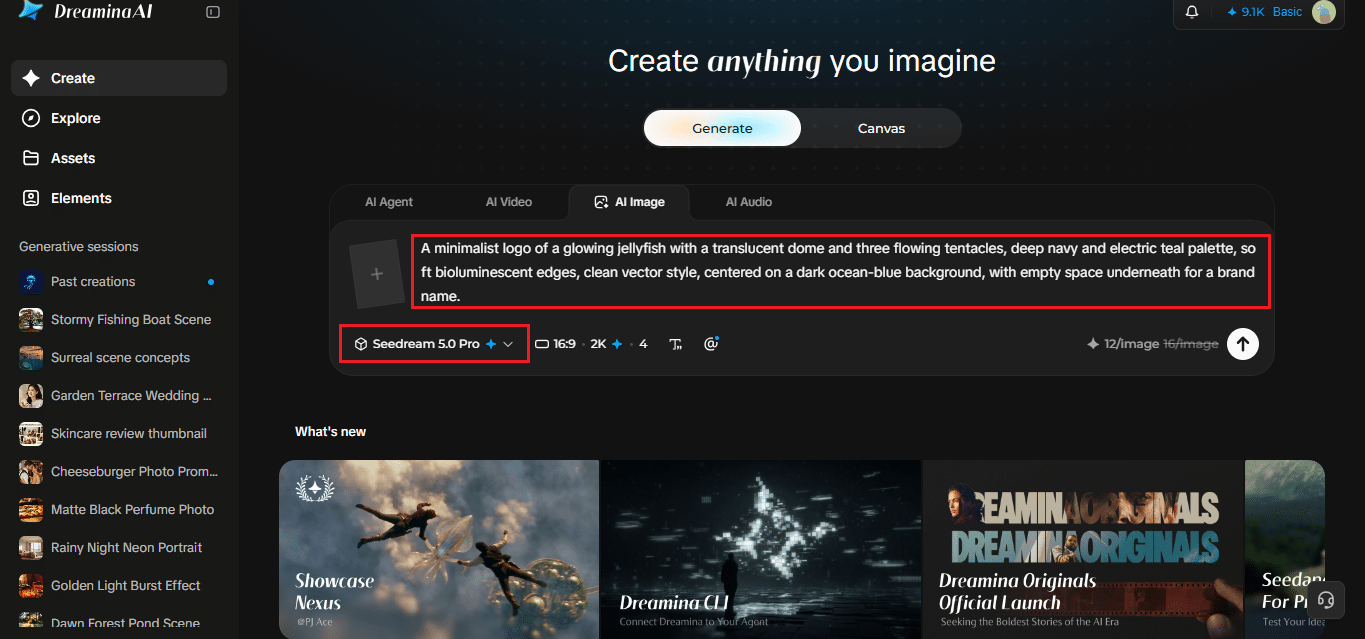
Step 1: Write a text prompt
Head over to Dreamina and type a detailed text prompt describing the logo you’re picturing. Mention the creature, the style, the colors, and the background. Here’s one to borrow: “A minimalist logo of a glowing jellyfish with a translucent dome and three flowing tentacles, deep navy and electric teal palette, soft bioluminescent edges, clean vector style, centered on a dark ocean-blue background, with empty space underneath for a brand name.” Don’t worry about sounding technical; plain, vivid language works fine.
Step 2: Adjust parameters and generate
Next, set your parameters. Choose the model, pick an aspect ratio (square tends to suit logos), select the size, and decide between 1K and 2K resolution. Then click the Dreamina icon and give it a moment to work. Starting at 1K is a quick way to test ideas before you commit to 2K.
Step 3: Customize and download
Use Dreamina’s AI customization options to polish what you got. Inpaint redraws a small area, expand stretches the canvas, remove clears out distractions, and retouch smooths rough spots. When it looks right, click the Download icon to save your logo. If the first version isn’t perfect, small tweaks usually beat starting over.
What Seedream 5.0 Pro brings to a logo mark
Dreamina’s Seedream 5.0 Pro model has a few strengths that suit brand work.
Edits that follow your instructions
You can pick points, draw a lasso, or sketch guidance right on the image, then describe what should change in that region. Output reaches 2K, which keeps edges crisp. That means fewer rounds of trial and error when a tentacle comes out one curl too long.
Separate layers for easier changes
Subjects, backgrounds, text, and effects are split into layers, so swapping a background doesn’t disturb the creature sitting on top of it. It’s a tidy way to build a small brand kit from one concept.
Prompts in many languages
It understands 14 languages, which is handy when your brand name isn’t in English.
Colors that glow in the dark
Resist the urge to use every color of the rainbow. Deep-sea palettes work because they’re restrained: near-black blues for the background and one or two glowing accents like cyan, magenta, or soft gold. Try describing the light source in your prompt, something like “faint glow from inside the body,” so the color feels earned rather than slapped on. Dark backgrounds make glow effects pop, but your logo may land on a white page someday, so ask for a light-background version as well.
Making the mark work at every size
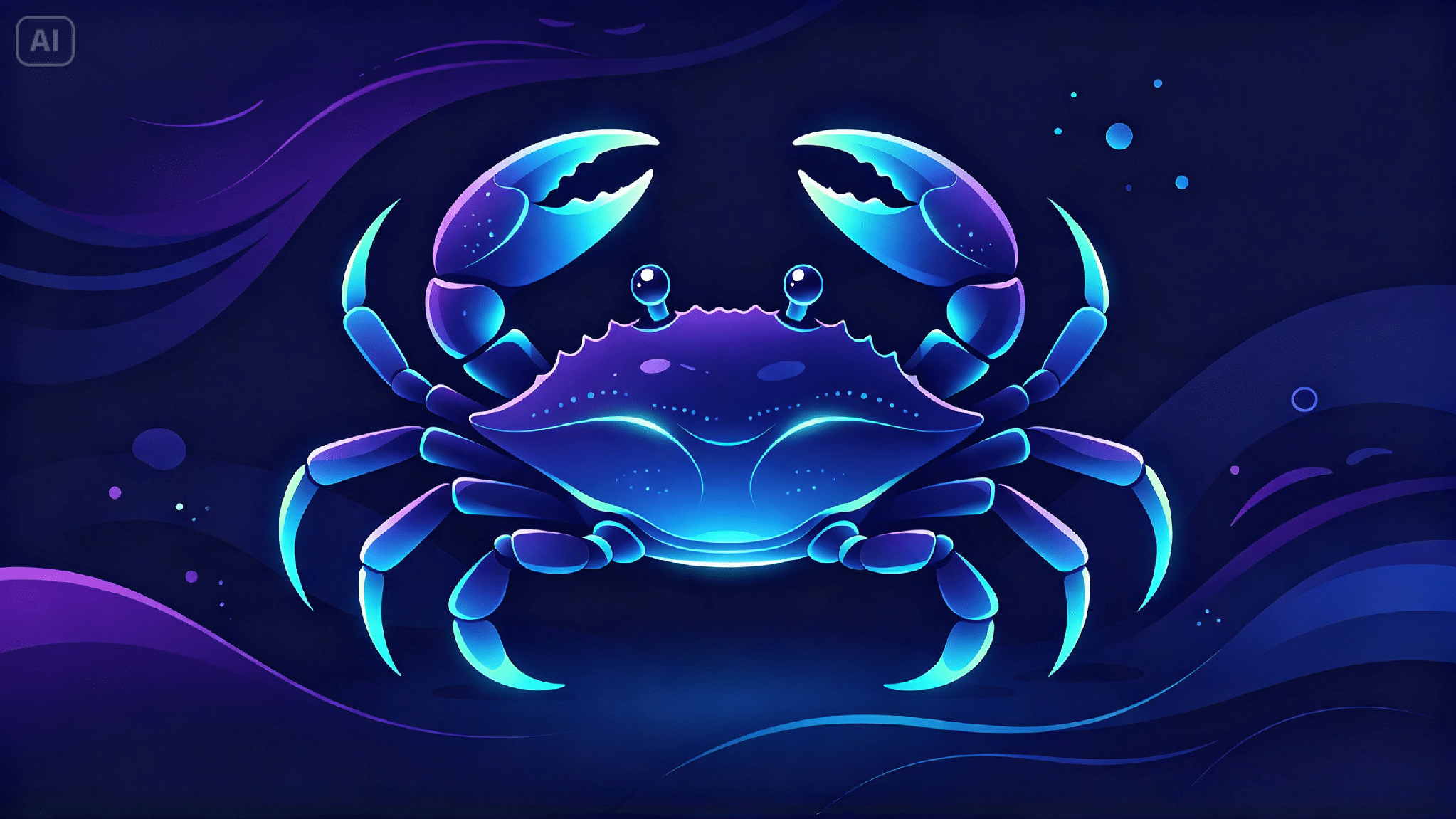
A logo that looks stunning at 2K can turn to mush as a tiny profile icon. Shrink your result down to thumbnail size before you fall in love with it. If the fine details vanish, go back and ask for fewer tentacles, thicker lines, or flatter shading. Treat anything from an AI logo generator as a strong first draft, then test it on a dark page, a white page, and a phone screen. Print one, too. Seeing a logo at business-card size on paper tells you things a screen never will.
A gut check before you commit
Before you lock it in, ask yourself a few honest questions. Does it still read in a single color? Can you tell what it is from across the room? Does it look different enough from the other logos in your niche? And does the creature really fit what you sell? If you hesitate on any of those, tweak the prompt and run it again.
Your brand is waiting below the surface
Deep-sea life gives logo design a head start: strange shapes, glowing details, and plenty of personality. Dreamina turns that raw inspiration into something concrete in three simple steps, and Seedream 5.0 Pro keeps your edits sharp. Pick a creature, write your prompt, and see what surfaces. You might be surprised by how quickly a strange fish becomes the face of your brand.