





























If you run a print shop or sell custom labels online, you already know that the design side of the process can slow everything down. Customers send wrong files. Designs come in at low resolution. Sizes do not match. And before a single label goes to print, your team has spent more time fixing artwork than actually printing.
The right label design software solves this. It gives customers a way to build their own labels directly on your website, while making sure the files coming out the other end are ready to print without any extra work on your side.
But not every tool fits into an existing print workflow. Some require a full platform switch. Some are too basic to handle real print requirements. And some just add more steps instead of removing them.
Join The European Business Briefing
New subscribers this quarter are entered into a draw to win a Rolex Submariner. Join 40,000+ founders, investors and executives who read EBM every day.
SubscribeThis list covers five label design software tools that genuinely connect to a print workflow, along with an honest look at what each one does well and where it falls short.
1. DesignNBuy Label Design Software
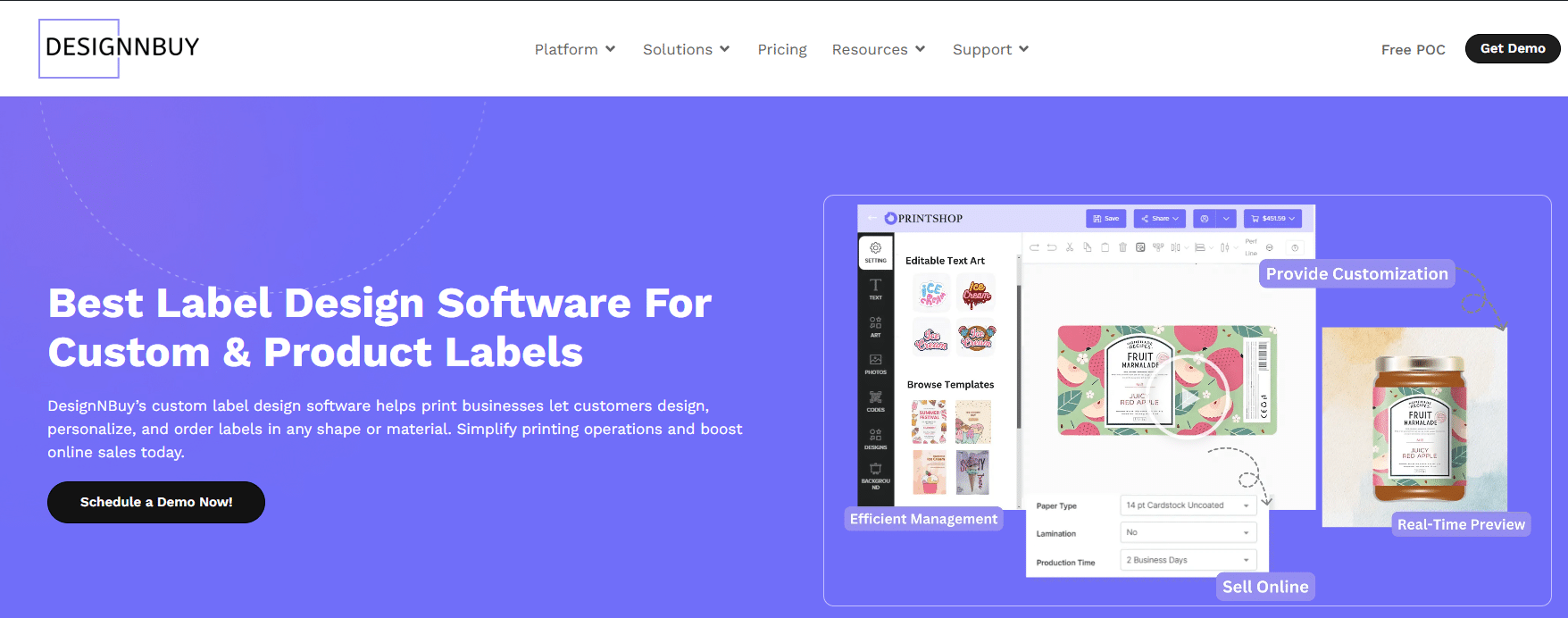
DesignNBuy is built for print businesses that want to offer custom label printing online without rebuilding their entire setup. It is a web-to-print label designthat sits on top of your existing store and connects directly to your production process.
Customers can design labels from scratch using a drag-and-drop editor, or they can start from a ready-made template. The editor works on desktop and mobile, so customers are not stuck at a computer to place an order. Once the design is done, the software generates a print-ready file automatically, complete with bleed, cut lines, and the correct color output. Your team receives a file that goes straight to the press.
What makes it stand out is how well it fits into an existing workflow. You do not have to replace your storefront. It integrates with Shopify, WooCommerce, Magento, and BigCommerce, and also connects through an API if you run a custom setup. The backend lets you control label sizes, materials, shapes, and pricing rules, so everything your customer sees on the front end matches what your production floor actually supports.
Key features:
- Drag-and-drop label design editor with mobile support
- Ready-made templates for common label sizes and shapes
- 3D label preview so customers can check their design before ordering
- QR code support built into the design editor
- AI tools for image enhancement, background removal, and text suggestions
- Automatic print-ready file output with bleed and cut lines
- Variable data printing for bulk and personalised label orders
- Integration with Shopify, WooCommerce, Magento, BigCommerce, and custom storefronts
2. Label LIVE
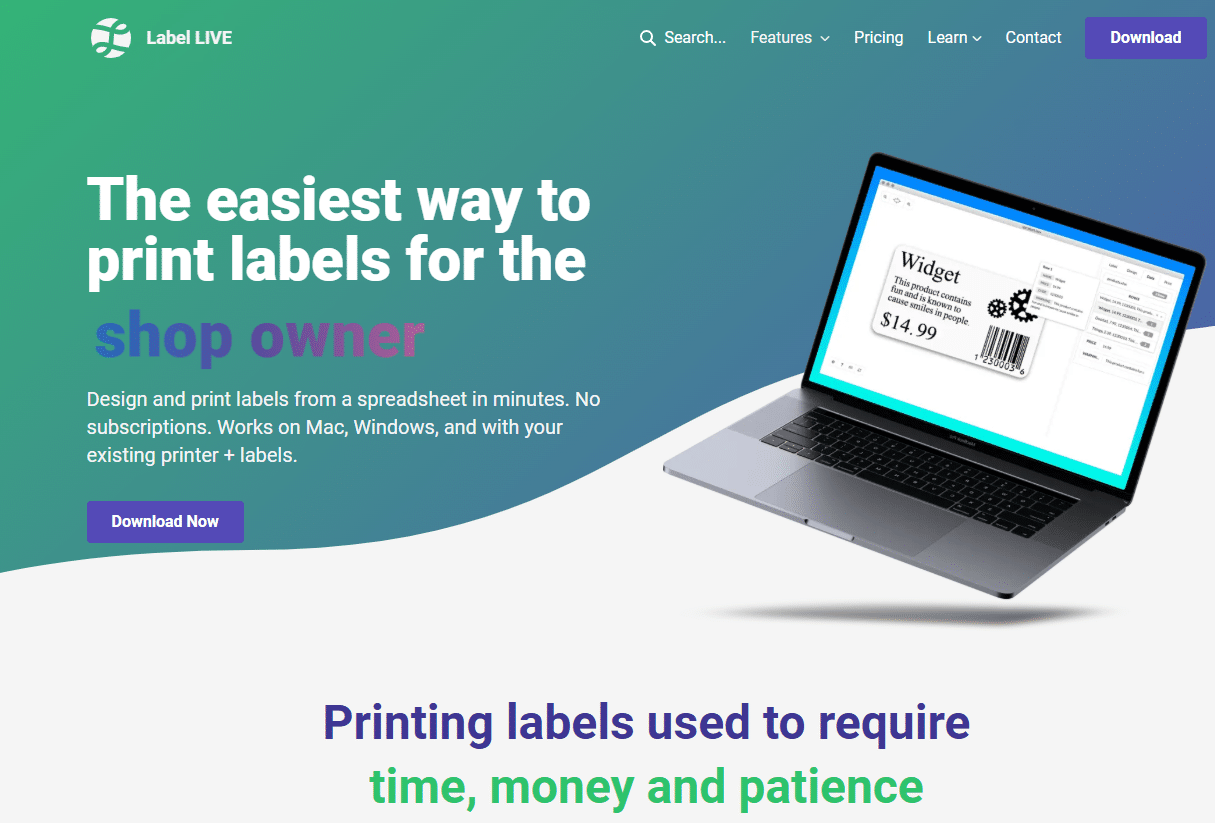
Label LIVE is a desktop label design and printing application for macOS and Windows. It is a lightweight tool that works well for print shops and small businesses that need to design and print labels quickly without a complex setup.
The interface is simple and straightforward. You can build label layouts, add text and images, set dimensions, and print directly to a connected label printer. It also supports variable data, which means you can pull in names, barcodes, or other details from a spreadsheet and print a batch of unique labels in one run. For shops that handle internal labelling jobs or smaller custom orders, it is a practical tool. The main limitation is that it is desktop-based, which means there is no customer-facing design editor and no web-to-print integration. It works well inside a production environment but does not add an online ordering layer to your business.
Key features:
- Desktop label design for macOS and Windows
- Variable data printing from spreadsheets
- Direct printing to connected label printers
- Simple layout editor for text, images, and barcodes
- Supports a range of label sizes and printer types
3. Labeljoy
Labeljoy is a Windows-based label design software that covers barcode labels, product labels, and address labels. It is a dedicated label tool with a focus on structured data and barcode output, which makes it useful for print shops that handle inventory labels, shipping labels, or product labelling for retail clients.
The software connects to databases and spreadsheets, which means you can set up a template once and print a large batch of labels with different data on each one. Barcode formats are well supported, and the layout tools are reliable for structured label design. Labeljoy is a solid desktop production tool, but like Label LIVE, it does not have a customer-facing design interface or any eCommerce integration. It is best suited for print shops that manage label production internally rather than shops that want customers to design their own labels online.
Key features:
- Windows-based label design with barcode support
- Database and spreadsheet connectivity for batch printing
- Wide range of barcode formats including QR, Code 128, and EAN
- Template-based label design for product and shipping labels
- Compatible with a range of label printers
4. Durstus Web to Print
Durstus Web to Print is a professional online label printing platform designed for businesses that need a structured web-to-print setup for labels and packaging. It offers admina template library and an online design interface, and it is cloud-based, which means there is no software to install on your machine.
The platform is designed for businesses that need to manage label orders at a professional level, with tools for order management and production output. It works better for larger operations than for small or independent print shops, and the pricing is based on custom quotes rather than a straightforward plan. For businesses that are already running at volume and need a professional-grade web label printing setup, it is worth looking at. Smaller print shops may find the cost and setup process more than they need.
Key features:
- Cloud-based online label design platform
- Template library for quick label creation
- Order and production management tools
- Print-ready file output for professional production
- Suitable for higher-volume label printing operations
5. RonyaSoft Label Designer
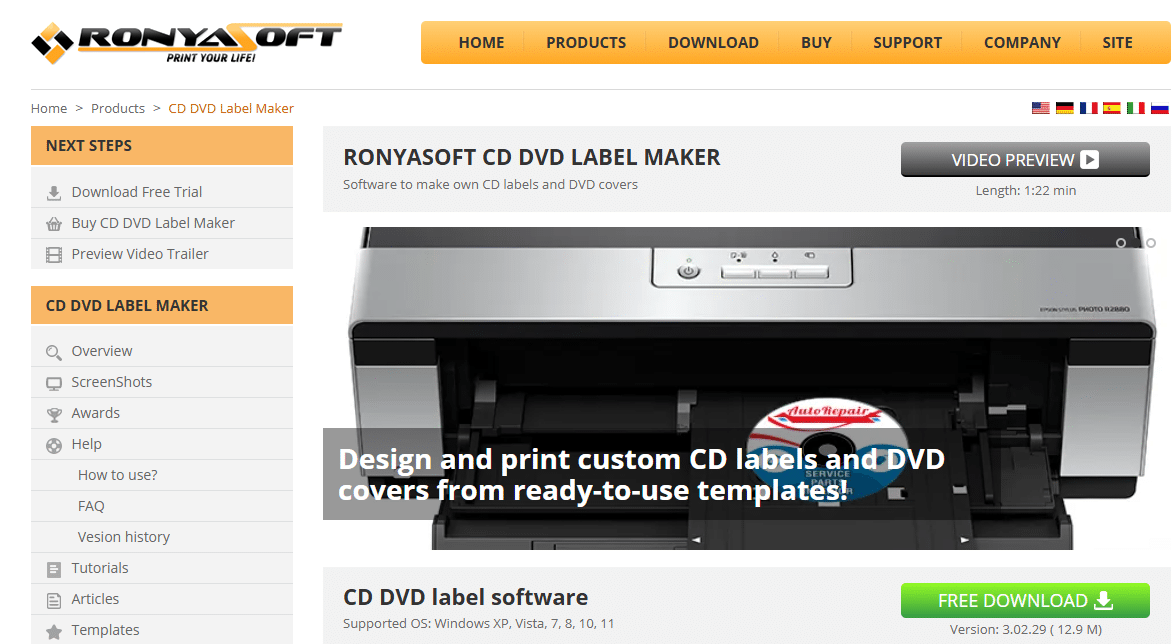
RonyaSoft Label Designer is a simple, affordable desktop label design tool for Windows. It covers the basics of label creation, including text, images, barcodes, and standard label shapes. It is aimed at small businesses and individuals who need to create and print labels without spending a lot on software.
Setup is quick, and the interface is easy to learn. For print shops that need to handle basic label design jobs quickly, it gets the work done. The tool does not support web-to-print or any kind of online ordering, and the feature set is more limited than dedicated label software. It is a good starting point for shops just getting into label printing, but it tends to get outgrown fairly quickly as order volume or customisation needs increase.
Key features:
- Simple desktop label design for Windows
- Supports text, images, barcodes, and standard shapes
- Ready-to-use label templates for quick setup
- Affordable pricing with no subscription required
- Compatible with standard label printers
Which Label Design Software Fits Your Print Workflow?
The right choice depends on where your label printing business is right now and where you want it to go.
If you print labels in-house and manage everything internally, a desktop tool like Label LIVE or Labeljoy handles the production side cleanly. If you are running higher volumes and already have infrastructure in place, Durstus is worth exploring.
But if you want customers to design their own labels on your website, place orders without back and forth, and receive print-ready files that go straight to your press, then a web-to-print label design tool is what you need. That is where DesignNBuy fits. It is the only tool on this list that connects a customer-facing design experience directly to a production-ready output, while integrating with the eCommerce platform you are already using.
The goal is to remove steps from your workflow, not add them. The right label design software should make it easier for customers to order and easier for your team to print, without anything falling through the gaps in between.