































Quick Answer
The most excellent AI-based video generation tools of 2026 include Magic Hour, Runway, Kling AI, Luma Dream Machine, and HeyGen. The most well-rounded tool of all is Magic Hour; Runway is a good choice for filmmakers; HeyGen stands out when it comes to talking avatars.
Our Top 3 Picks
| Tool | Best For |
|---|---|
| Magic Hour | All-in-one video creation |
| Runway Gen-4.5 | Creative control |
| HeyGen | AI avatars |
AI Video Generators in 2026: What Has Changed?
Advanced text-to-video generator technology has evolved to a level where it is not just capable of producing shaky videos but can also work from elaborate instructions, keep characters consistent throughout the process and replicate realistic camera movements. Most of these technologies now also include artificial audio generation that includes lip-syncing and voice-overs as well.
Join The European Business Briefing
New subscribers this quarter are entered into a draw to win a Rolex Submariner. Join 40,000+ founders, investors and executives who read EBM every day.
SubscribeThe main strength lies in speed. Marketing professionals, designers, and firms are able to create high-quality video content within minutes rather than spending days writing scripts, shooting videos and doing post-production editing. That is why artificial intelligence video tools are becoming more and more popular.
5 Best AI Video Generators of 2026: At a Glance
| Tool | Rating | Best For | Key Features | Starting Price |
| Magic Hour | 4.9/5 (G2) | All-in-one creation | Text-to-video, face swap, lip sync | $10/mo (annual) |
| Runway Gen-4.5 | 4.2/5 (G2) | Filmmaking | Pro exports, multiple models | $12/mo (annual) |
| Kling AI 3.0 | 4.7/5 (App Store) | Realistic motion | Native audio, 3-15 sec clips | From $6.99 (first month) |
| Luma Dream Machine | 4.5/5 (App Store) | Image-to-video | Ray models, HDR, many models | $30/mo |
| HeyGen | 4.8/5 (G2) | AI avatars | Avatars, translation, lip sync | $29/mo |
1. Magic Hour: Best for All-in-One AI Video Creation
Rating: 4.9/5 on G2
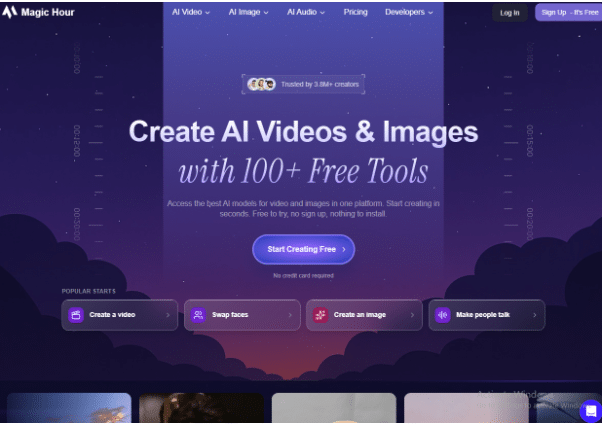
Magic Hour is a web-based AI video generator software that has more than 30 features. It contains text-to-video, image to video, face swap, lip-sync, and talking photo features all together. There is no need for any installation, making it user friendly for beginners.
Its unique features lie in the price and toolkit it offers. This is why it is considered one of the most outstanding AI video generators for social media creators and startups looking to experiment with many formats without buying various applications.
Key Features
- Text-to-video and image-to-video
- Face swap and lip sync
- Talking photos and voice cloning
- Ready-made social templates
- API access on Creator, Pro and Business plans
Pros
- Low entry price
- Generous free start with no watermark
- Many tools under one login
- Beginner friendly
Cons
- Best for short-form, not long films
- Realism depends on your prompt
- 4K output is limited to the top plan
- Fewer manual camera controls than Runway
- Rating is based on a small number of reviews
Pricing:
- Creator: ₹1,134/month, billed yearly at ₹13,608
- Pro: ₹2,432/month, billed yearly at ₹29,184
- Business: ₹5,720/month, billed yearly at ₹68,640
2. Runway Gen-4.5: Best for Creative Control and Professional Filmmaking
Rating: 4.2/5 on G2
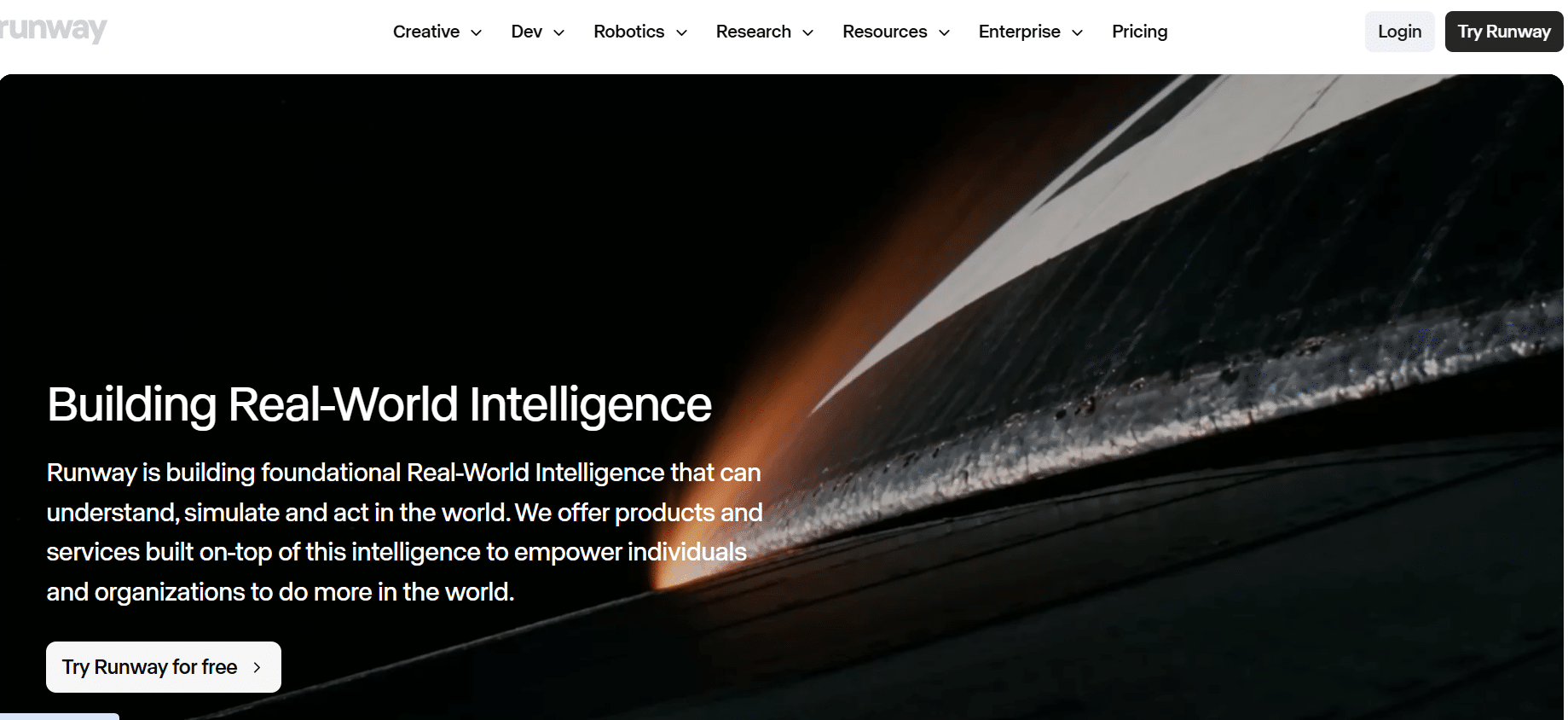
Runway caters to those who wish to have total control over each shot. The Gen-4.5 version generates videos from text or images, while the workspace can manage images and audio. There are even a few third-party models that are available.
Filmmakers love Runway since premium subscriptions offer professional export options. If you need the best AI video generators to create professionally made videos, Runway is your answer.
Key Features
- Gen-4.5 text and image-to-video
- ProRes and PNG sequence exports (Pro)
- Video, image and audio in one workspace
- Third-party models inside the app
- Team seats on paid plans
Pros
- Strong creative control
- Professional export options
- Popular with studios
- Regular model updates
Cons
- Credits run out fast
- Steeper learning curve
- Standard and Pro credits expire monthly
- Costly for heavy use
Pricing:
- Free: $0/month
- Standard: $12/month
- Pro: $28/month
- Max: $76/month
3. Kling AI 3.0: Best for Dynamic Motion and Realistic Action
Rating: 4.7/5 on Apple App Store
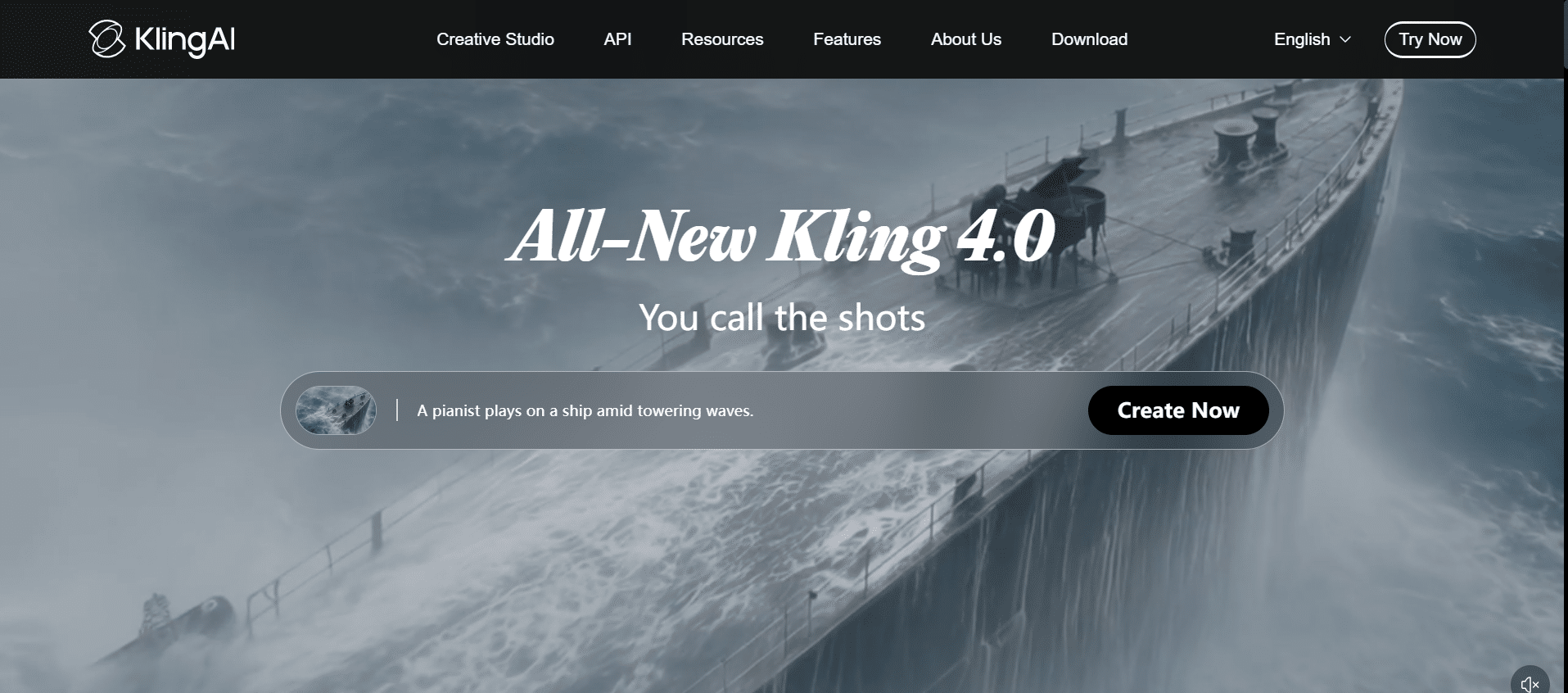
Kling AI has been developed by Kuaishou and is characterised by lifelike movements, body motion, and action shots. The 3.0 version of the tool can create videos between 3 and 15 seconds long, with an option to produce audio.
Kling AI is especially beneficial for creators of short-form videos for TikTok, Reels, and YouTube Shorts. Affordable prices of Kling AI make it also available for people who need realistic movements but do not have money for costly productions.
Key Features
- Text-to-video and image-to-video AI
- 3 to 15 second clips
- Native audio option
- Up to 1080p output
- Daily free credits
Pros
- Realistic human motion
- Budget friendly plans
- Free daily credits
- Commercial rights on paid plans
Cons
- Credits do not roll over
- Intro discounts last one month only
- Audio raises credit cost
- Many billing and support complaints on Trustpilot
- Some users worry about data privacy
Pricing:
- Standard Package 1: $700 — 5,000 units
- Standard Package 2: $2,100 — 15,000 units
- Standard Package 3: $3,780 — 30,000 units (10% off)
- Standard Package 4: $5,670 — 45,000 units (10% off)
4. Luma Dream Machine: Best for Image-to-Video and Cinematic Scenes

Rating: 4.5/5 on Apple App Store
Luma transforms static visuals into professional-quality videos via its Ray series. Luma has a single app where there is a single pool of credits that works on both its own models as well as those of its chosen partners. It can be used by designers and marketers in order to add motion to concept art and product visuals.
Luma can be useful for those creators who are seeking out an AI video maker tool which can make high-quality films from static visuals.
Key Features
- Image-to-video animation
- Ray models with camera control
- Access to partner models
- HDR generation on paid plans
- Commercial use on paid plans
Pros
- Cinematic look
- Great for animating images
- Many models in one plan
- No watermark on paid plans
Cons
- No permanent free plan
- Premium models use credits quickly
- iOS prices are higher than web
- Pricier than some rivals
Pricing:
- Plus: $30/month
- Pro: $90/month
- Ultra: $300/month
5. HeyGen: Best for AI Avatars and Talking-Head Videos

Rating: 4.8/5 on G2
HeyGen produces AI avatar videos based on a written script. Individuals can choose avatars, type in their scripts and produce videos with real-life lip syncs. HeyGen’s translation services also facilitate content that is ready for internationalisation.
HeyGen is great for making training, sales, onboarding and tutorial videos where the process of filming the presenter could be a lengthy one. One can easily update their scripts and make new videos without having to set up another recording session.
Key Features
- Realistic AI avatars
- Video translation
- Custom digital twins
- Voice cloning
- Team workspace (Business)
Pros
- Natural lip sync
- Easy to use
- Great for training videos
- Strong multilingual support
Cons
- Not for cinematic scenes
- Credits can run out quickly
- Free plan is very limited
- Some billing complaints online
Pricing:
- Free: $0/month
- Creator: $29/month
- Pro: $49/month
What Features Should You Look For?
First, consider the text-to-video and image-to-video functionalities. Ensure that the motion control features, camera controls, character consistency, sound creation and lip-syncing abilities are there. You also need to ensure resolution and exporting capabilities for producing professional videos.
Look out for video editing features within the platform if you wish to edit videos on the same platform. Lastly, pay attention to commercial usage rights, especially if you intend to use the AI-produced videos for commercials and other monetised videos.
AI Video Generators vs Traditional Video Production
AI video creators provide speed, lower cost, and more scalable production. You can produce multiple versions or ideas of videos without assembling an entire production team. Nevertheless, video creation through conventional methods ensures more control over real-life images, performances, places, and stories.
The importance of human teams is evident where there are elements such as live interviews, live events, and brand films, where humans are essential. The selection will be based on many aspects like budget, time duration, and amount of creativity needed.
How to Choose the Right AI Video Generator
Start by establishing what type of videos you need to create, whether social media videos, cinematic videos, videos for products or avatars. Use multiple tools to see which one is best through trial offers or credits before purchasing any.
See the number of videos each tool generates per month compared to how many videos you want to generate per month. Check out the resolution, export features, editing facilities, and license restrictions. Check the level of compatibility of this tool with your existing workflow.
FAQs About AI Video Generators
What is the best AI video generator in 2026
It depends on what you want. Magic Hour is the all-round winner, Runway is for professionals, and HeyGen is best for avatars.
Can AI video generators create videos from text?
Yes. Text prompts are possible with all tools mentioned, although HeyGen uses scripts for avatars.
Which AI video generator is best for cinematic videos?
Runway and Luma give you the most cinematic results.
Which AI video generator is best for AI avatars?
HeyGen, due to natural lip-syncing and translations.
Can AI-generated videos be used commercially?
Usually yes, but not on free plans. It’s always better to check first.
Final Thoughts
The best AI Video Generator will vary according to one’s content creation needs, budget, and process flow. It is recommended to start with a free trial to assess the quality of videos, prompt response accuracy, video editing capabilities, and limitations on the number of videos created.
One can compare various generators in terms of credits, quality of output resolution, processing speed, character consistency, and business usage rights. After clarifying one’s needs, you should select an appropriate plan.