





























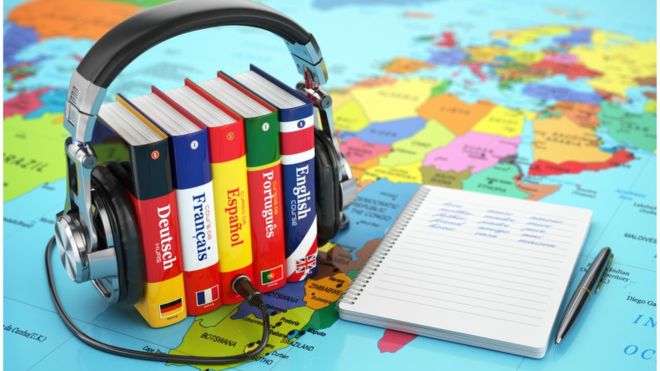
Alright, you’ve decided to make your website multilingual. Great choice! But let’s be honest, the thought of diving into code can be a bit like facing a dragon with a toothpick, right? Enter Webflow, your trusty knight in shining armor. And here’s the kicker: with anocode agency like this, it’s not just possible—it’s a piece of cake.
Why go multilingual?
First of all, why should you even bother with a multilingual site? Imagine walking into a party where everyone speaks your language. Feels good, right? That’s exactly what you want for your users. Whether they’re in Paris, Tokyo, or Buenos Aires, speaking their language makes them feel at home. Plus, it’s a golden ticket to expanding your market.
The magic of Webflow
Now, let’s talk about Webflow. It’s like the multi-tool of web design. Super versatile, incredibly powerful, and guess what? You don’t need to be a code wizard to use it. A no code agency can take this tool and turn your website into a multilingual marvel. Here’s how.
Join The European Business Briefing
New subscribers this quarter are entered into a draw to win a Rolex Submariner. Join 40,000+ founders, investors and executives who read EBM every day.
SubscribeSetting up your multilingual site
First, structure is key. Think of your site as a house. Each language is like a different room. You want each room to be comfortable and easy to navigate. In Webflow, this means setting up separate pages or collections for each language. It’s a bit like setting the stage for a play—each act in its place.
CMS collections are your best friends
Webflow’s CMS (Content Management System) is where the magic happens. You can create a collection for each language. For example, if you have a blog, each post can be linked to its translated version. It’s like having a library where every book has a twin in another language. Neat, huh?
Navigation, keep it simple
Next, let’s talk about navigation. You want your users to switch languages as smoothly as flipping a light switch. Webflow lets you create custom menus, so add a language switcher. Maybe a dropdown menu or flags at the top of the page. Make it obvious but elegant. Users shouldn’t have to play hide and seek to change the language.
SEO, don’t skip it
SEO is crucial. You want people to find your site in any language. Webflow allows you to set up separate meta titles, descriptions, and even hreflang tags for each language version of your pages. This tells search engines, “Hey, I’ve got this content in multiple languages!” It’s like putting up a neon sign that says “Welcome!” in every language you cater to.
Dynamic embeds and custom code
Sometimes, you might need to get a bit fancy. Maybe you want to embed dynamic content or integrate third-party tools. Webflow’s got your back. With dynamic embeds and custom code, you can make sure every language version of your site has all the bells and whistles. And don’t worry, you don’t need a PhD in computer science. A no code agency can handle this without breaking a sweat.
Testing, the unknown hero
Before you launch your multilingual site, test everything. Seriously, everything. It’s like rehearsing for a play. Check each language version, ensure all links work, and make sure the design looks great everywhere. Ask friends or colleagues who speak the languages to give it a once-over. Fresh eyes catch things you might miss.
Launch and promote
Finally, hit that launch button and celebrate! But don’t stop there. Promote your multilingual site. Share it on social media, tell your customers, and maybe even run a campaign. You’ve built a bridge to new markets, so let people know!
Final thoughts
Creating a multilingual website with Webflow and a no code agency is like building your dream house with expert help. It’s efficient, effective, and surprisingly fun. You don’t need to get tangled in code. Focus on what matters—connecting with your audience, no matter where they are or what language they speak. So go ahead, start the journey, and watch your reach grow globally.