































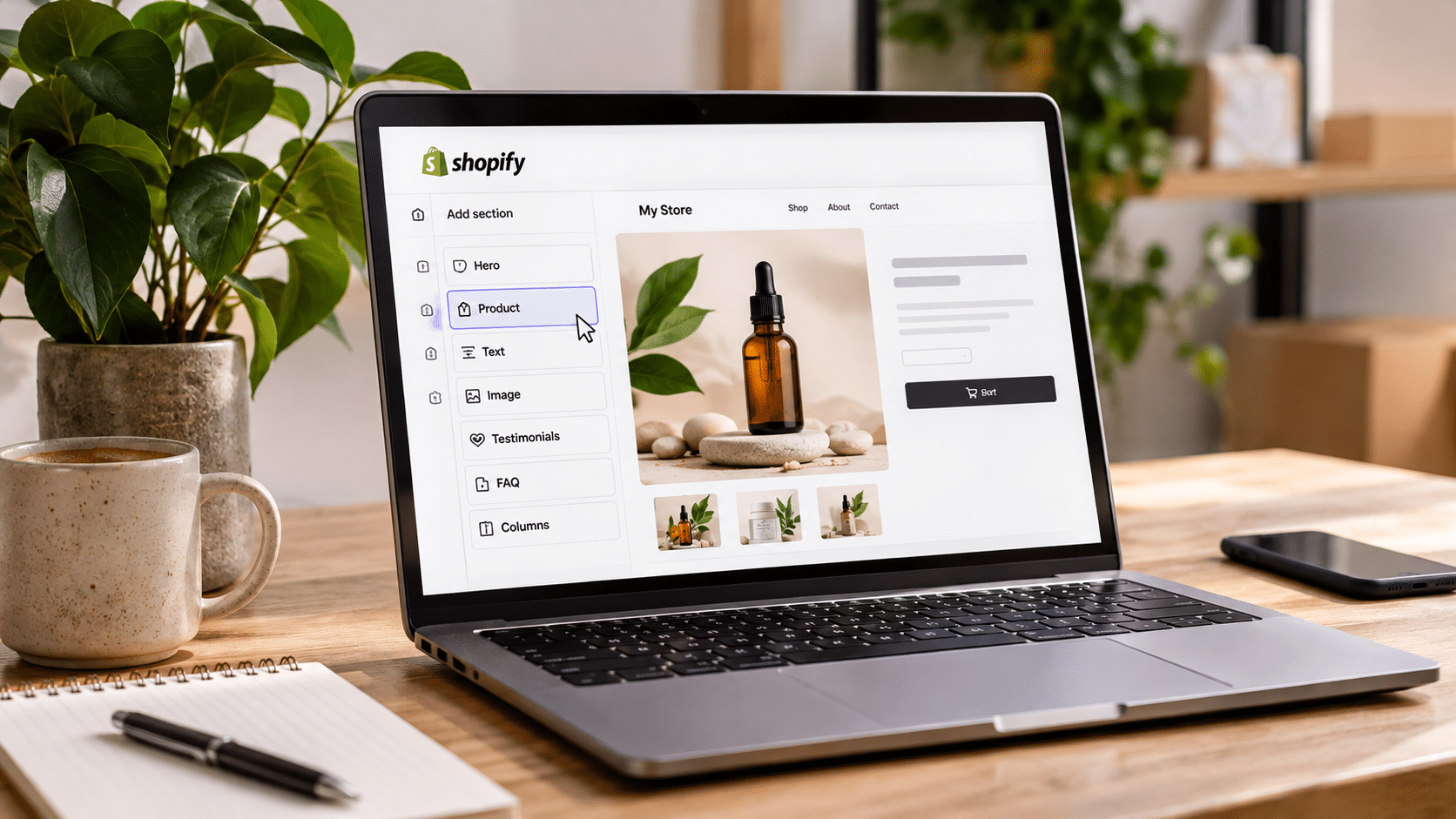
Launching a Shopify store no longer requires coding experience or a developer for every design change. No-code store and page builders help merchants create storefronts, customize product pages, design landing pages, and publish updates through visual editing tools.
For first-time merchants, choosing the right builder can make a significant difference. Some tools generate pages with AI, while others offer drag-and-drop editors, ready-made templates, or advanced design controls.
The distinction between a store builder and a page builder also matters. Shopify provides the ecommerce infrastructure, including checkout, inventory, and order management. Third-party page builders extend the design capabilities of a Shopify store, allowing merchants to customize the pages customers see.
Join The European Business Briefing
New subscribers this quarter are entered into a draw to win a Rolex Submariner. Join 40,000+ founders, investors and executives who read EBM every day.
SubscribeThis comparison covers eight tools that address different parts of the Shopify store-building process, from launching a storefront to creating product pages and improving existing layouts.
Key Takeaways
- Best for AI-assisted page creation: PagePilot combines AI-generated product pages with a visual editor and more than 50 customizable sections and blocks.
- Best for complete store setup: Shopify provides the native storefront, checkout, inventory, and order management tools.
- Best for page design and optimization: PageFly combines AI page generation with A/B testing, heatmaps, and funnel analytics.
- Best for reference-based design: GemPages and Instant support creating editable layouts from visual references.
- Best for advanced customization: Replo and Shogun offer flexible page-building workflows for merchants who want greater control over their storefront design.
8 Best No-Code Shopify Store and Page Builders Compared
| Tool | Builder Type | Best For | Distinguishing Capability |
| PagePilot | AI Store & Landing Page Builder | AI Shopify store creation and no-code page customization | AI store generation, product and landing pages, 50+ drag-and-drop blocks |
| Shopify | Ecommerce Platform & Store Builder | Complete store setup | Native checkout, inventory, themes, and store management |
| PageFly | AI Page Builder & CRO Platform | Page creation and conversion optimization | FlyMate AI, A/B testing, heatmaps |
| GemPages | AI-Assisted Page Builder | Custom layouts and sales funnels | GemAI Image-to-Layout |
| EComposer | Visual Page Builder | Customizing multiple Shopify page types | Templates and reusable design elements |
| Shogun | Visual Page Builder | Branded ecommerce pages | Reusable content and visual editing |
| Replo | Ecommerce Landing Page Builder | Campaign-specific landing pages | Advanced visual design and reusable components |
| Instant | AI-Assisted Visual Page Builder | Custom Shopify storefront design | AI-assisted layouts from prompts and visual references |
1. PagePilot — Best for AI Shopify Store Creation and No-Code Page Building
PagePilot is an AI-powered Shopify store and landing page builder that helps merchants create complete storefronts, generate product and landing pages, and customize their designs without coding.
For first-time merchants, PagePilot offers AI-assisted store creation, helping users get started with a branded Shopify storefront and a selection of products. Merchants can also generate individual product and landing pages, making it useful for both launching a new store and expanding an existing one.
Beyond AI generation, the platform’s drag and drop Shopify page builder gives merchants direct control over their page layouts. Users can rearrange sections, add content blocks, edit text and images, and adjust styling without working with Liquid, CSS, or HTML.
The visual editor includes more than 50 customizable sections and blocks, including hero banners, testimonials, FAQs, comparison tables, and upsells. Separate desktop and mobile controls allow merchants to refine layouts for different screen sizes before publishing changes directly to Shopify.
By combining AI store creation, product page generation, and visual editing, PagePilot supports merchants through both the initial launch and ongoing storefront customization.
Key Features
- AI Shopify store creation: Generate a branded Shopify storefront with an initial selection of products.
- AI product and landing pages: Create pages using AI and customize them afterward.
- Drag-and-drop visual editor: Rearrange sections, add blocks, and adjust layouts without coding.
- 50+ customizable components: Add banners, testimonials, FAQs, comparison tables, and upsells.
- Inline editing: Modify text, images, colors, fonts, and spacing directly on the page.
- Responsive design controls: Customize desktop and mobile layouts separately.
- Direct Shopify publishing: Preview and publish edited pages to a Shopify storefront.
Best for: First-time Shopify merchants, dropshippers, and entrepreneurs who want to launch AI-generated stores, create product and landing pages, and customize their storefronts without coding.
Consideration: PagePilot works alongside Shopify, combining AI-powered store creation with visual page customization while Shopify handles core ecommerce operations such as checkout and order management.
2. Shopify — Best for Complete Ecommerce Store Setup
Shopify is the ecommerce platform that powers the storefronts created and customized with many of the other tools in this comparison.
Its native store builder allows merchants to select a theme, add products, organize collections, customize navigation, and manage their online business from a central dashboard.
The Shopify theme editor uses sections and blocks, allowing merchants to make common layout changes without editing code.
Shopify also offers AI-assisted store design generation and content creation tools, including Shopify Magic.
For first-time merchants, its biggest advantage is that store design and ecommerce operations are managed within the same platform.
Key Features
- Visual theme editor with sections and blocks.
- AI-assisted storefront design.
- Product and collection management.
- Checkout and payment processing.
- Inventory and order management.
- Shopify Magic content tools.
- App integrations for additional functionality.
Best for: Entrepreneurs who need the complete infrastructure for launching and operating an online store.
Consideration: Shopify’s native editor works within the capabilities of the selected theme. Merchants who want highly customized product pages or campaign landing pages can extend it with a dedicated page builder.
3. PageFly — Best for AI Page Creation and Conversion Optimization
PageFly combines Shopify page building with tools for analyzing and improving page performance.
Its FlyMate AI feature generates pages and sections from written prompts. Merchants can describe the type of page they want, review the generated structure, and customize the result through PageFly’s visual editor.
The platform supports product pages, landing pages, homepages, and collection pages.
PageFly also provides a CRO Center with A/B testing, heatmaps, and funnel analytics. These features help merchants examine how visitors interact with pages and compare different layouts or offers.
For merchants planning to run advertising campaigns, this combination of design and performance analysis is particularly relevant.
Key Features
- FlyMate AI page and section generation.
- 320+ page and section templates.
- Drag-and-drop visual editing.
- A/B testing.
- Heatmaps and funnel analytics.
- AI Page Checkup for page audits.
- Shopify theme and app integrations.
Best for: Merchants who want to create Shopify pages and use performance data to guide design improvements.
Consideration: PageFly offers both page-building and optimization tools. Some analytics and testing capabilities are tied to specific plans, so merchants should compare the functionality they need before choosing one.
4. GemPages — Best for Creating Shopify Layouts from Images and URLs
GemPages is a visual Shopify page builder with AI-assisted layout generation.
Its GemAI Image-to-Layout feature allows merchants to upload a screenshot or provide a webpage URL and generate an editable layout based on that reference.
This gives merchants a practical starting point when they have a particular design in mind but do not want to recreate it manually.
GemPages supports homepages, product pages, landing pages, and sales funnels. Its editor also connects page elements with Shopify product information, allowing merchants to display relevant product content in their layouts.
The platform is particularly useful for businesses that want distinctive storefront designs while retaining the flexibility of visual editing.
Key Features
- GemAI Image-to-Layout generation.
- Screenshot and URL-based design references.
- Drag-and-drop page editor.
- Product page and homepage customization.
- Sales funnel creation.
- Dynamic Shopify product content.
- Reusable page elements.
Best for: Merchants who want to recreate design concepts, customize product pages, or build sales funnels without coding.
Consideration: Image-to-Layout is useful for generating a design starting point, but merchants still need to review the resulting layout, replace unsuitable content, and adapt it to their branding.
5. EComposer — Best for Customizing Multiple Shopify Page Types
EComposer is a Shopify page builder that allows merchants to customize different parts of their storefront through a visual editor.
The platform supports homepages, product pages, collection pages, landing pages, and other content.
Its template library and reusable design elements help merchants maintain a consistent appearance across their store.
For example, a first-time merchant can create a homepage, customize collection layouts, and build a promotional landing page using the same editing environment.
EComposer is useful for merchants who want broad page customization rather than a tool focused on a single page type.
Key Features
- Visual drag-and-drop editing.
- Homepage and product page customization.
- Collection and landing page creation.
- Prebuilt page templates.
- Reusable content elements.
- Responsive design controls.
- Shopify app integrations.
Best for: Merchants who want one visual editing environment for several Shopify page types.
Consideration: The range of available templates and elements provides flexibility, but merchants should establish consistent typography, spacing, and branding rules across their pages.
6. Shogun — Best for Branded Ecommerce Page Design
Shogun is a visual ecommerce page builder that allows Shopify merchants to create customized storefront content.
Its editor supports landing pages, product pages, and other branded ecommerce experiences.
Shogun provides reusable design elements, allowing merchants to maintain consistent layouts across multiple pages without rebuilding common sections each time.
This is useful for businesses developing a recognizable brand identity or running recurring marketing campaigns.
For example, a merchant can create a reusable promotional section and incorporate it into different landing pages while maintaining the same visual style.
Key Features
- Visual ecommerce page editor.
- Custom landing and product pages.
- Reusable content elements.
- Branded page layouts.
- Responsive design options.
- Shopify integration.
Best for: Shopify merchants who want consistent, customizable ecommerce pages and reusable design components.
Consideration: Shogun’s design flexibility is useful for ongoing storefront development, although merchants launching a small catalog may only need a limited set of its page-building capabilities.
7. Replo — Best for Campaign-Specific Ecommerce Landing Pages
Replo is a Shopify-focused landing page builder designed for ecommerce brands creating customized shopping experiences.
Its visual editing environment supports detailed layout customization and reusable design components.
Replo is particularly relevant for merchants running advertising campaigns, where different products, audiences, or offers may require separate landing pages.
For example, a store promoting a product through several advertising campaigns can create different landing page variations while maintaining consistent brand elements.
The platform gives merchants detailed control over the structure and appearance of their pages.
Key Features
- Visual Shopify landing page editor.
- Custom campaign landing pages.
- Reusable design components.
- Ecommerce-focused templates.
- Responsive layout customization.
- Shopify integration.
Best for: Ecommerce brands creating dedicated landing pages for advertising campaigns and product launches.
Consideration: Replo’s detailed design capabilities are particularly valuable for merchants with specific layout requirements. First-time sellers using standard Shopify theme pages may not need that level of customization immediately.
8. Instant — Best for AI-Assisted Shopify Storefront Design
Instant is a visual Shopify page builder with an AI agent that helps merchants generate and customize storefront layouts.
Users can start with a written prompt, screenshot, website link, or Figma design. Instant’s AI agent creates an editable layout that can be refined on its visual canvas.
The platform supports landing pages, homepages, product templates, collection templates, navigation, and reusable sections.
Instant works alongside an existing Shopify theme, allowing merchants to extend their storefront without replacing the underlying ecommerce platform.
Its Figma integration also makes it useful for businesses that already have design concepts they want to transfer into Shopify.
Key Features
- AI-assisted layout generation.
- Prompt, screenshot, URL, and Figma-based workflows.
- Visual drag-and-drop editor.
- Homepage and landing page creation.
- Product and collection templates.
- Reusable Shopify sections.
- Navigation and storefront customization.
Best for: Merchants who want detailed control over Shopify storefront design using AI and visual references.
Consideration: Instant’s AI agent generates editable layouts, but users still need to review the designs and configure them with their store’s actual products, collections, and branding.
How to Choose the Right No-Code Shopify Builder
The best builder depends on whether the merchant needs to launch a complete store, create product pages, or customize an existing storefront.
Rather than comparing tools only by their template libraries, first-time merchants should focus on the work each platform actually handles.
Start with the Store Infrastructure
Shopify provides the essential ecommerce functionality: products, checkout, payments, orders, and inventory.
Third-party page builders extend the design capabilities of that store. They do not replace Shopify’s core commerce infrastructure.
For a new merchant, the first step is establishing the store and configuring the operational settings before adding specialized design tools.
Choose Between AI Generation and Visual Editing
AI generation and drag-and-drop editing solve different problems.
AI can produce an initial page structure and content, reducing the amount of work required to begin.
Visual editing gives merchants control over the finished result, including layout, typography, images, and content placement.
PagePilot combines AI-generated pages with drag-and-drop editing. PageFly also offers prompt-based page generation, while GemPages and Instant provide workflows based on visual references.
The right approach depends on whether a merchant starts with product information, a written description, or an existing design concept.
Check Which Shopify Pages You Can Customize
Not every builder handles the same page types.
Some specialize in product pages and landing pages, while others support homepages, collections, navigation, and reusable theme sections.
Before selecting a tool, merchants should identify the pages they expect to create during the first few months.
For a single-product launch, a product page and dedicated landing page may be sufficient. A larger catalog may require collection templates and more extensive storefront customization.
Review Mobile Design and Publishing
A no-code editor should allow merchants to preview how pages appear on mobile devices.
Important details include image scaling, text readability, spacing, navigation, and the placement of purchase buttons.
Merchants should also check whether the builder publishes directly to Shopify and how it handles updates to existing pages.
These details affect how easily the store can be maintained after launch.
A Practical Workflow for Launching a Shopify Store Without Coding
| Step | Task | Recommended Approach |
| 1 | Create the store | Set up Shopify, choose a theme, and configure basic settings |
| 2 | Add products | Upload accurate product information, images, and variants |
| 3 | Build essential pages | Create the homepage, product pages, and required store information |
| 4 | Customize the design | Use a native editor or no-code page builder to adjust layouts |
| 5 | Review mobile usability | Check images, spacing, navigation, and purchase buttons |
| 6 | Configure ecommerce operations | Set up payments, shipping, taxes, and store policies |
| 7 | Test and publish | Review the checkout process and publish the finished storefront |
| 8 | Improve after launch | Update pages using customer feedback and performance data |
A successful launch does not require every page to be heavily customized.
For first-time merchants, the priority should be a functional store with accurate product information, clear navigation, and a reliable checkout process. More advanced layouts and landing pages can be introduced as the business grows.
Frequently Asked Questions
What is the best no-code Shopify store and page builder for beginners?
Shopify is the foundation for launching and operating an ecommerce store. PagePilot is useful for merchants who want AI-generated product pages with drag-and-drop editing. PageFly and GemPages are alternatives for more detailed page customization.
Can I build a complete Shopify store without coding?
Yes. Shopify’s theme editor supports visual storefront customization, while third-party page builders provide additional design options. Merchants can set up products, navigation, checkout, and essential store pages without writing code.
What is the difference between a Shopify store builder and a page builder?
A store builder provides the structure and functionality needed to operate an online store. A page builder focuses on creating or customizing the storefront pages customers interact with.
Shopify provides the ecommerce platform, while tools such as PagePilot, GemPages, and PageFly extend its page design capabilities.
Can AI create Shopify product pages automatically?
Yes. AI-powered tools such as PagePilot and PageFly can generate product page content and layouts. Merchants can then edit the results, adjust branding, and publish the pages to Shopify.
Final Thoughts
No-code Shopify builders give first-time merchants several ways to create and customize their online stores without relying on developers for routine design work.
PagePilot combines AI-powered Shopify store creation with product and landing page generation and drag-and-drop editing, making it a practical option for merchants launching and customizing their first online store.
GemPages and Instant offer useful options for merchants working from visual references, and EComposer, Shogun, and Replo provide additional approaches to storefront and landing page customization.
The right choice depends on what the merchant needs to build, how much design control they want, and which tasks they expect to handle as the store grows.