



























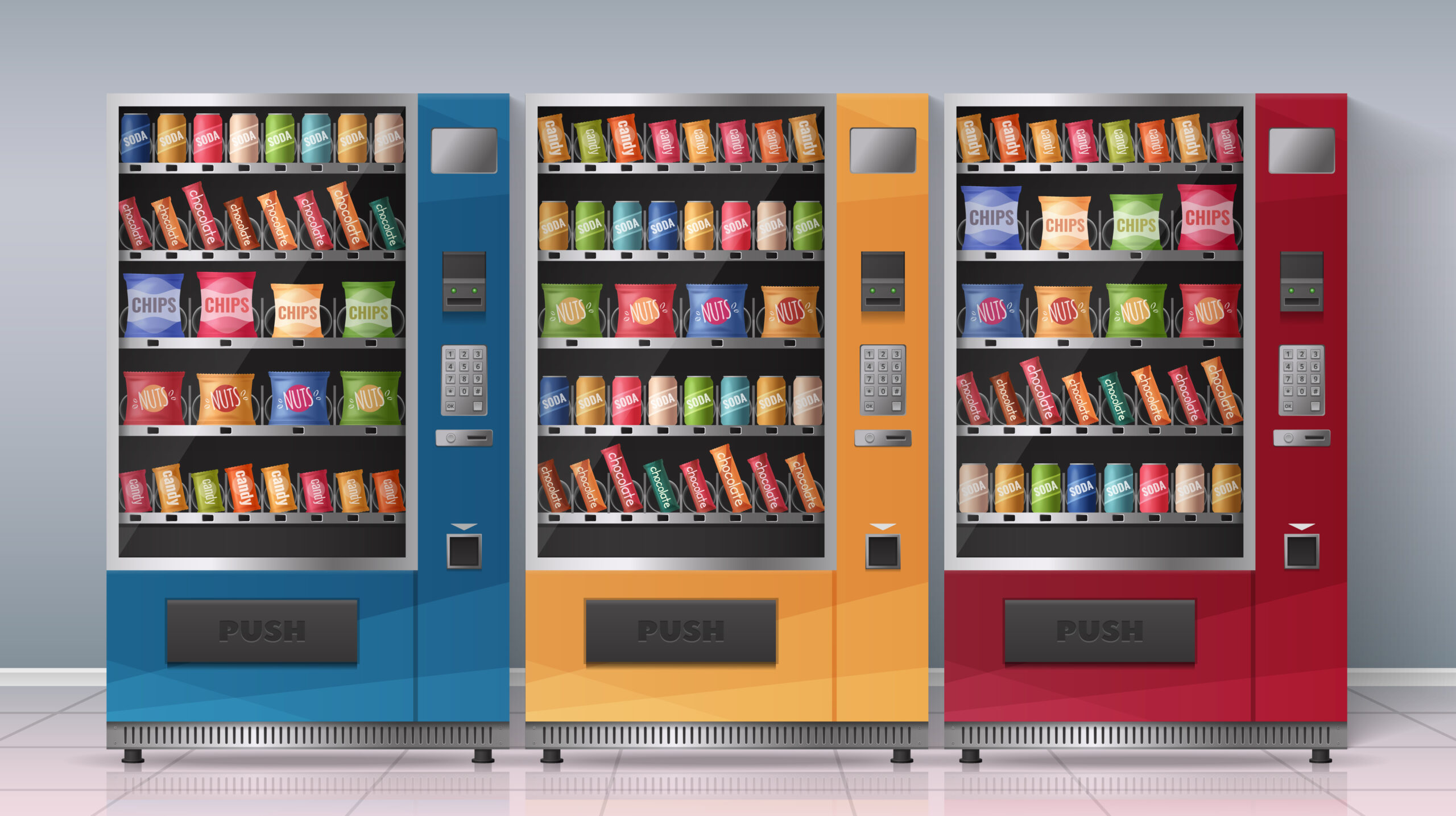
The vending industry isn’t what it used to be. Carrying coins and bills used to be the norm back then, but that’s fading fast. With smart features, even grabbing a snack from a vending machine is getting way easier. Just tap, swipe, pick, and go. So, if you own an older vending machine, upgrading it could really boost your sales and give you better control over your operations.
As the world moves toward cashless transactions, keeping up isn’t optional—it’s a smart business move. And you don’t even need to manage a whole route to benefit. Even with just one machine, cashless systems help you step into the future of vending by making transactions effortless for your customers, and your decisions data-driven to match how people actually buy today.
Join The European Business Briefing
New subscribers this quarter are entered into a draw to win a Rolex Submariner. Join 40,000+ founders, investors and executives who read EBM every day.
Subscribe
Installing a card reader on a vending machine isn’t as tricky as it sounds. With the right tools and a few tips, it can be ready in just a few minutes. This guide has everything you need to know.
Why Upgrade to a Card Reader
Cashless payment isn’t some distant concept anymore—they’re the standard now. If you’ve noticed, coins are becoming increasingly rare with many consumers preferring to pay with a card or digital wallet. Vending machines are no exception.
By upgrading your machine with a card reader, you tap into a large pool of customers who don’t walk around with cash. You’d be surprised at how many customers don’t skip your machine because they don’t want a drink or snack but because they can’t pay conveniently. Install a card reader and that’s solved instantly.
Besides, modern systems let you accept nearly every payment method out there: credit and debit cards, mobile wallets, prepaid loyalty cards — even contactless tap payments.
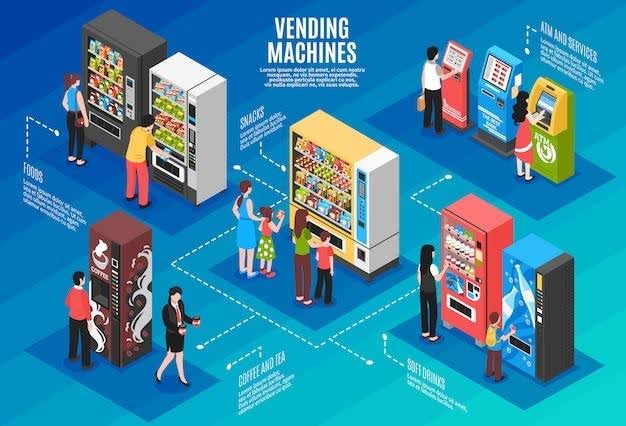
And here’s the thing — learning how to install card reader on vending machine pays off beyond collecting money faster. It allows your business to run smarter; you get real-time analytics that ease performance tracking, spotting sales patterns, and restocking before a machine runs dry.
Install a Vending Credit Card Reader in 5 Minutes
1. Power Down and Prepare
First, unplug your vending machine. Get basic tools like a drill, screwdriver, mounting plate, and the reader kit. Check the specifications to ensure the reader is compatible with your machine’s connection type (usually MDB or DEX). Having everything ready makes the process faster and avoids unnecessary frustrations once you start.
2. Remove the Bill Validator and Access the Panel
Open the machine door to access the payment area. Gently unscrew the bill validator just enough for you to reach the control board behind it. This space is where you’ll connect your reader and route the cables.
3. Mount the Card Reader
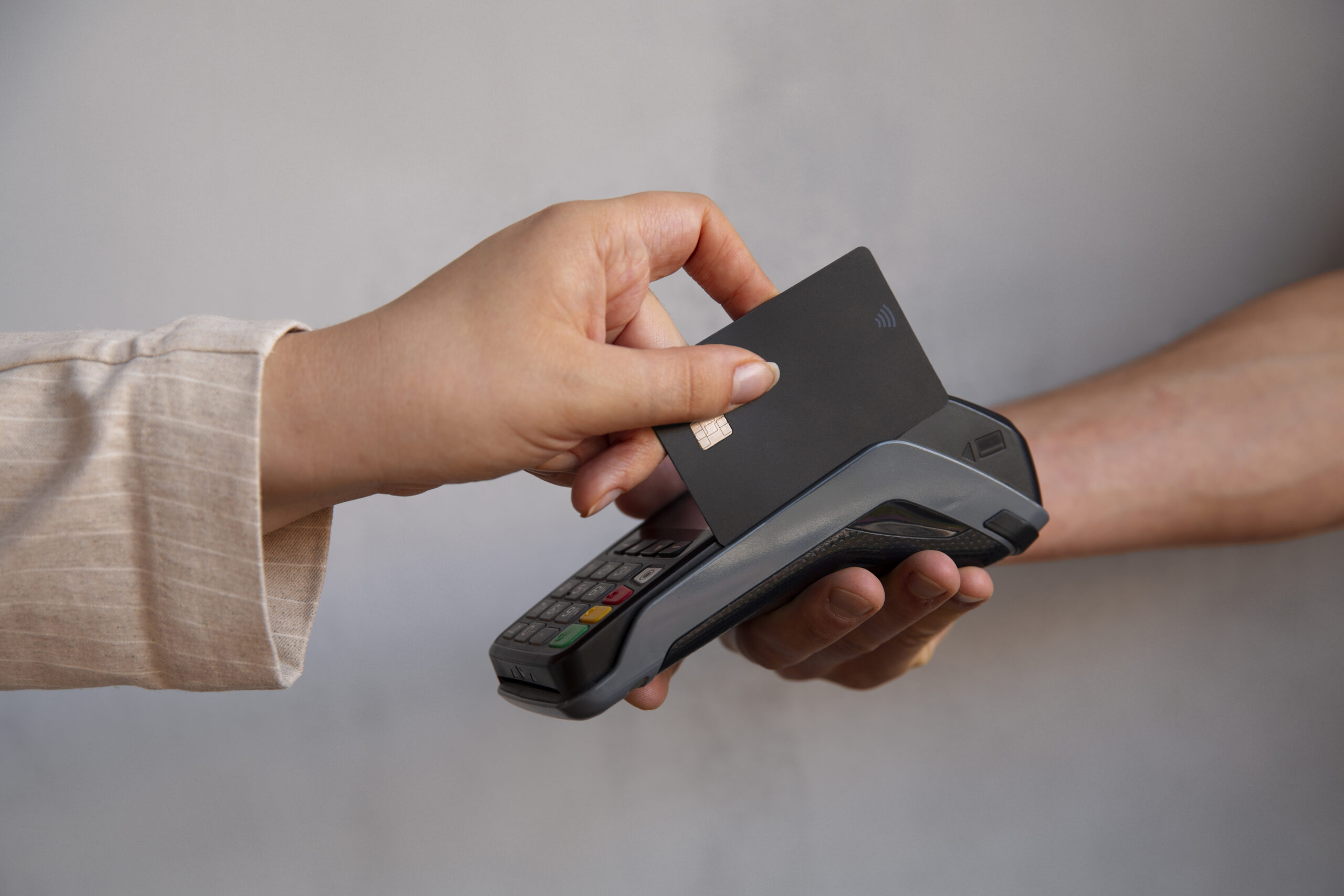
Decide a suitable spot that’s easily noticeable by your customers who want to use the reader. Ideally it should be next to the coin slot or bill acceptor. If your machine has pre-drilled holes, align the reader’s mounting plate there. If not, mark and drill new points, then screw to secure the plate. Once done, mount the card reader firmly so it’s visible and accessible from the front panel.
4. Connect Cables
Now lay the cables neatly inside the machine. Be careful with the moving parts to avoid messy wiring that can cause dragging or squeezing of the cables. Plug it into the main control board using MDB or any other port.
5. Restore Power
To reconnect the machine, you only need to plug it in again and turn it on. The display should light up, and the menu should pop up on startup.
6. Network Configuration
The reader requires a good internet connection, be it Wi-Fi or cellular, to process payments. When you are on a cellular network, make sure that the SIM card is properly placed and there’s a strong signal. A weak one loads slowly and slows down the transactions.
After logging into the system dashboard, ensure you have the right pricing, enable transactions, and remote monitoring.
7. Test the Payment System
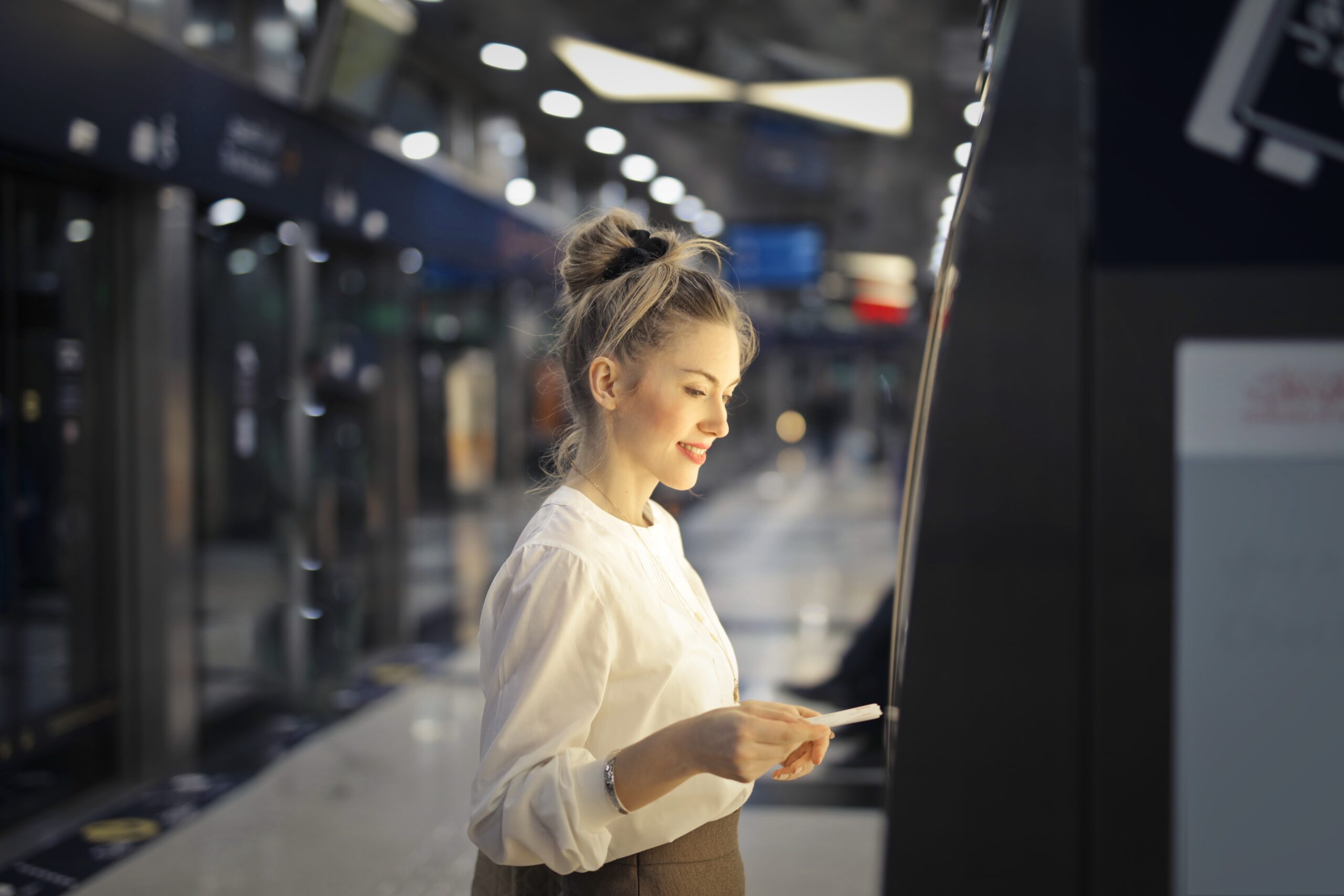
Finally, test the setup. Try to make payment through all payment methods available. The payment should be immediately displayed in your vending machine, and what you paid for should be dispensed.
If it doesn’t, don’t panic. The first thing to do is check if there’s a network disconnection. Modern systems display error codes that make troubleshooting problems simple.
Optimizing Your Cashless Setup
Installing the reader is not the end. Maximizing its use depends on what you do after that because modern vending systems go beyond just taking payments; they give you visibility into sales, customer habits, and machine performance.
The following are some of the ways they can be used to ease operations and expand business:
- Sales data analysis: Advanced systems collect transaction data and create reports, which will reveal vital information such as products that have the highest sales, the most appropriate time to sell, and where. That will enable you to adjust your stock and rates to the market.
- Set up alerts: With a notification feature, you can say goodbye to abrupt stock shortages, power loss, and network problems during the peak of demand. Now you will have the ability to fix issues early or even before customers are aware.
- Integrate inventory tracking: Have other systems? Modern card reader systems seamlessly connect with your existing system like inventory software and even scale with them.
- Monitor the machine remotely: Keeping an eye on several vending machines is easier with a centralized dashboard. Real-time updates also save you time and make identifying which machines or when to restock easier.
- Adjust pricing dynamics: When you know sales, you can experiment with time-based pricing, such as a little discount during off times, which can boost sales and profits.
Conclusion
Setting up a card reader isn’t as hard as it might seem. And taking this small step can shift your vending operation to align with today’s customers’ needs. Providing a cashless payment option doesn’t only keep pace with customer demands but also removes all friction, reducing maintenance costs and maximizing opportunities for higher profits.
Cashless vending machines also minimize theft, eliminate human errors, and provide you with real-time data insights into the performance of your business. Pair it with leading providers who offer centralized management, loyalty programs, and reporting software, and see your business operate smarter.
So, should you install a card reader on a vending machine? Yes, it’s not just an upgrade — it’s the foundation of running a successful business today. Get one that best suits your needs and follow these simple steps to install and get it running immediately.