





























Construction firms face a tough reality every single day. Projects run behind schedule. Budgets balloon unexpectedly. Office teams and field crews talk past each other. These problems aren’t new, but they’re getting harder to ignore.
The good news? Digital platforms for construction planning have matured substantially in the past few years. Teams now have access to tools that actually solve coordination problems instead of creating new ones. These platforms use modern cloud technology, support real-time collaboration, and scale with your business.
We’ve reviewed dozens of construction scheduling software options and narrowed the field to five platforms that each excel in different ways. Some focus on visual scheduling, others on financial control, and a few on AI-driven planning. This article breaks down what makes each platform worth considering based on your specific needs.
Join The European Business Briefing
New subscribers this quarter are entered into a draw to win a Rolex Submariner. Join 40,000+ founders, investors and executives who read EBM every day.
SubscribeHow to Select the Best Construction Planning Platform
Picking the right tool requires looking at more than just features. Here’s what we examined:
- Scheduling and Planning Capabilities: Does the platform offer visual interfaces that make schedule creation faster? Can it replace legacy tools like P6 or Excel with modern workflows that support collaboration?
- Platform Scope: Is this purely a scheduling tool, or does it handle the full project lifecycle (budgeting, CRM, financial tracking)?
- Scalability and User Pricing: Will pricing blow up as your team grows? Are unlimited user structures available? Can it support portfolio-level management?
- Industry and Project Focus: Which market segments does this platform serve best? Residential, commercial, infrastructure? Small teams or enterprise operations?
- Technology and Support: Does the vendor offer AI tools, third-party connections, training programs, and responsive customer support when you need help?
5 Leading Digital Platforms for Construction Planning
Here are the platforms we’re covering:
Best Digital Platforms for Construction Planning
Planera
- Founded: 2021
- Headquarters: San Ramon, California, USA
- Primary Offering: Modern CPM scheduling software with visual, drag-and-drop interface
- Customer Base: 100+ builders actively using the platform across 500+ live projects
- Standout Technology: Real-time collaboration features, DCMA quality checks built-in
Starting operations in 2021, Planera set out to fix what generations of contractors already knew: scheduling tools had grown old and cumbersome. The founding team brought both construction experience and software development skills to create a cloud-native platform that ditches outdated workflows. Users drag tasks onto a visual canvas instead of wrestling with technical menus. The software handles critical path logic automatically while keeping office and field teams aligned through real-time updates. Planera closed a Series A funding round in 2024 to expand AI capabilities and support more complex planning scenarios.
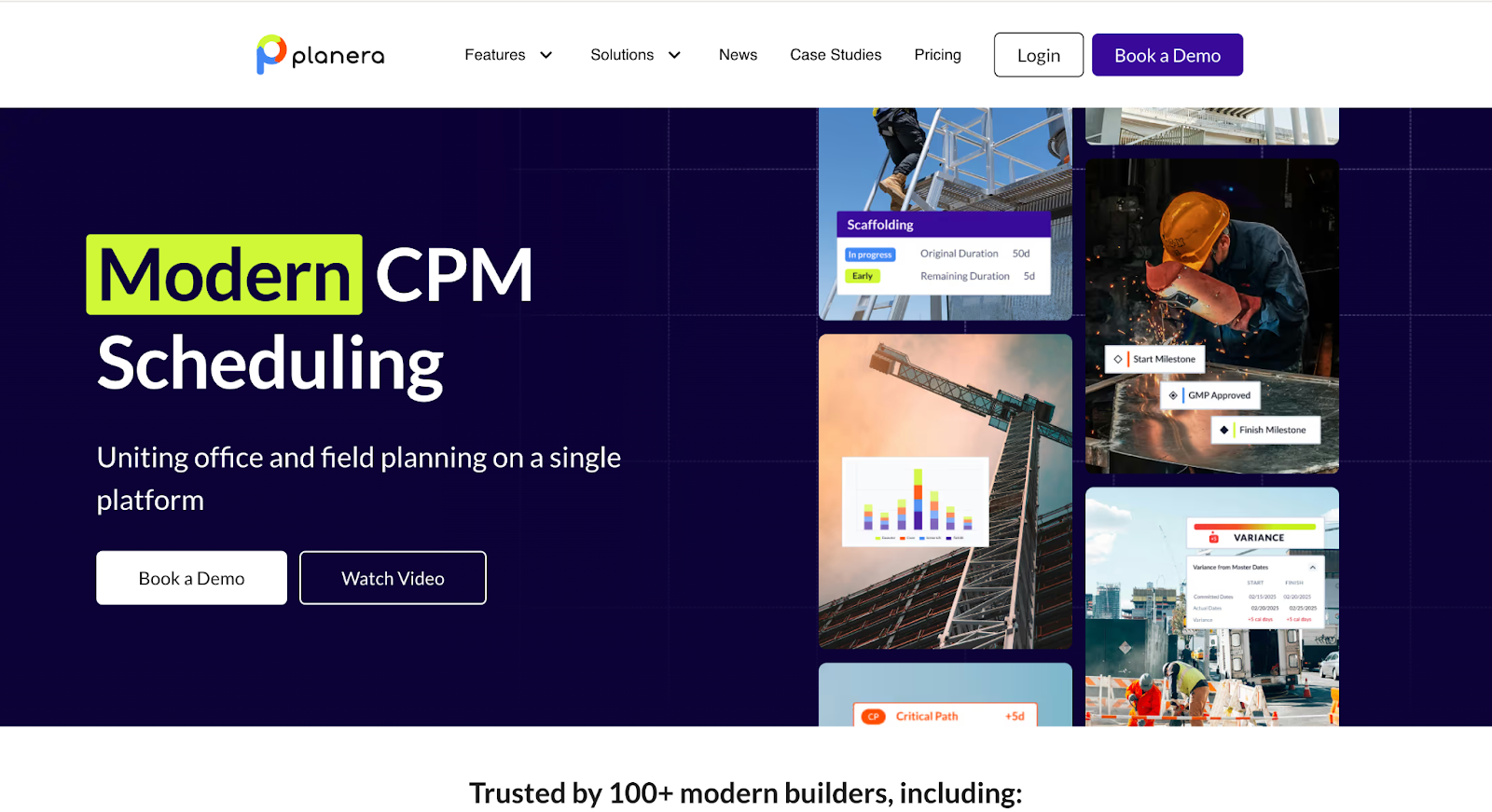
Key Features: Visual CPM scheduling that skips the steep learning curve of traditional software like P6 or Microsoft Project; field-to-office alignment through live schedule updates; DCMA quality checks that catch scheduling errors before they become project delays; resource loading and risk simulation tools; unlimited user seats that scale as teams grow.
Basecamp
- Founded: 1999 (as 37signals); launched as standalone product 2004
- Headquarters: Chicago, Illinois, USA
- Years of Operation: 25+ years in continuous business
- Primary Offering: Streamlined project management and team communication platform
- Customer Base: Used by small teams across diverse sectors; 30+ pages of testimonial documentation
Basecamp has stayed in business for over two decades by refusing to complicate what works. The platform started inside a web design agency that needed better collaboration than email could provide but didn’t want software that required a manual to use. The company has resisted feature bloat year after year. What you get is straightforward scheduling, task assignment, file sharing, and team messaging. Small construction teams appreciate this restraint. Setup takes hours, not weeks. Training consists of “click around and see what happens” instead of formal classes.
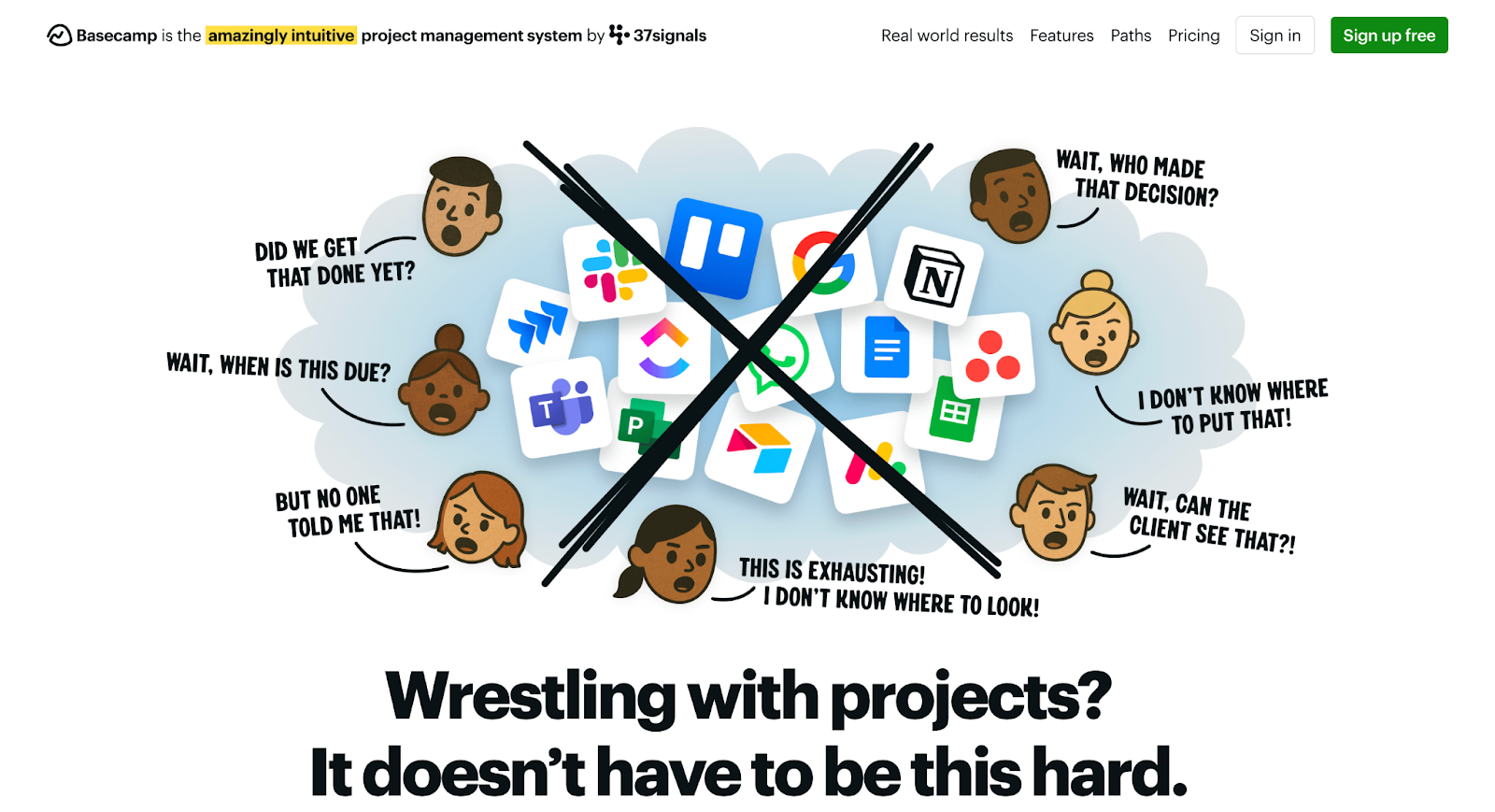
Key Features: Simple task and schedule management that anyone can learn quickly; centralized file storage accessible from any device; team messaging that replaces scattered email threads; minimal setup requirements that get teams working fast; flat pricing that doesn’t penalize growing teams.
ALICE
- Founded: 2015 (from Stanford University research by CEO René Morkos, Ph.D.)
- Headquarters: Menlo Park, California, USA
- Primary Offering: Construction simulation and generative scheduling platform using artificial intelligence
- Project Scale: Deployed across $100B+ of construction projects worldwide
- Performance Results: Average 17% reduction in construction duration; 13% reduction in labor and equipment costs
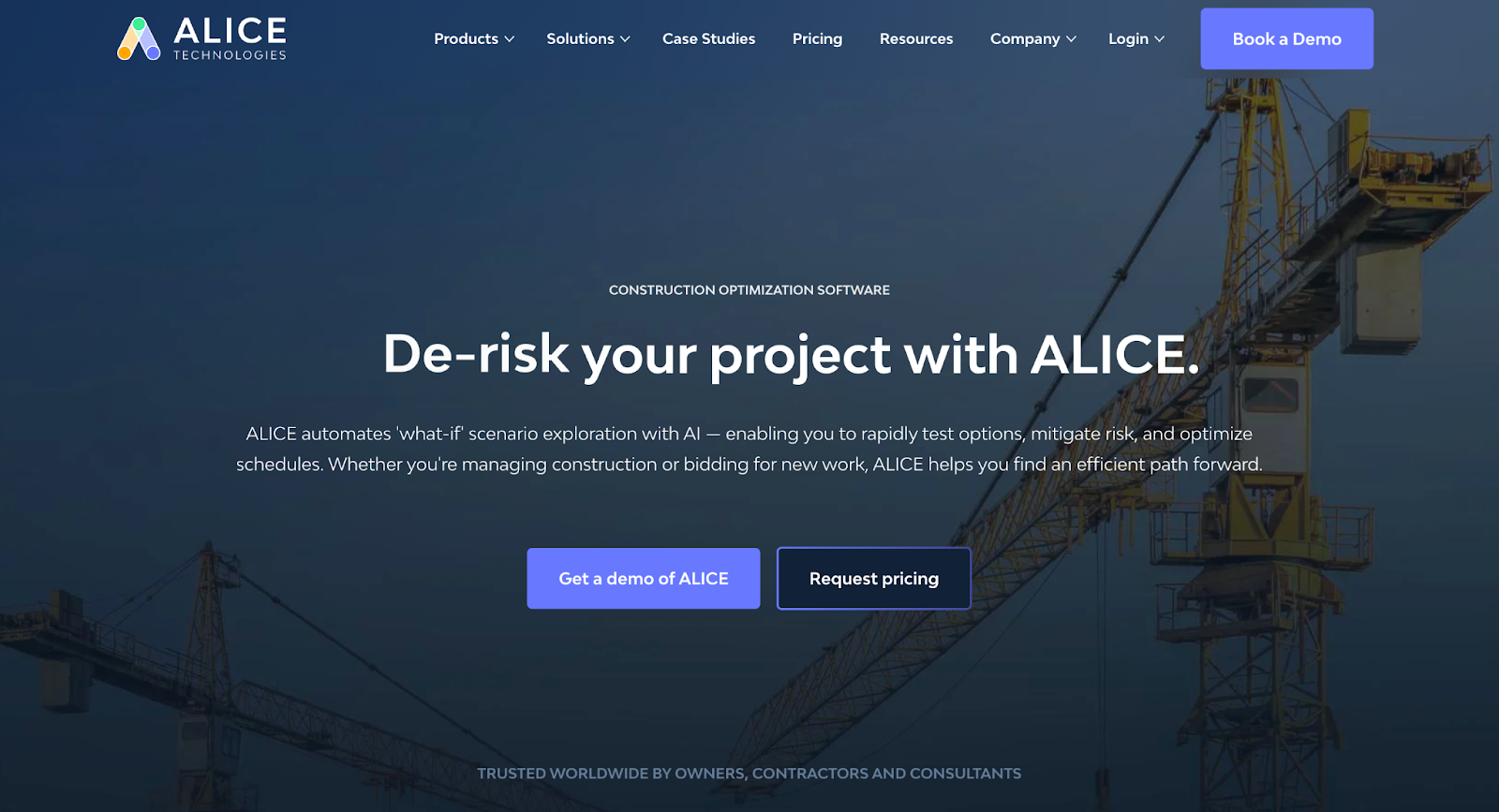
ALICE emerged from academic research at Stanford University, where founder René Morkos studied construction planning optimization. The platform takes a different approach than manual scheduling. It uses artificial intelligence to run millions of scenario simulations, testing different sequences and resource combinations. Projects get generated schedules that show the fastest, least expensive path through construction. Large contractors use ALICE to spot risks before breaking ground and to evaluate acceleration options when schedules tighten. The company has raised over $25M in venture funding and won recognition from the British Construction Industry Awards.

Key Features: AI simulation that generates optimized schedules from project constraints; scenario comparison tools for evaluating different construction approaches; integrated cost and resource modeling; risk identification across schedule, budget, and crew availability; support for complex commercial and infrastructure projects.
Builder Trend
- Founded: 2006
- Primary Offering: Comprehensive construction management platform (scheduling, estimating, budgeting, CRM, financial management)
- Scale: 1+ million users across 100+ countries
- Pricing Model: Three tiered subscription plans; Essential ($399/mo), Advanced ($700/mo), Complete ($1,000/mo); all include unlimited users
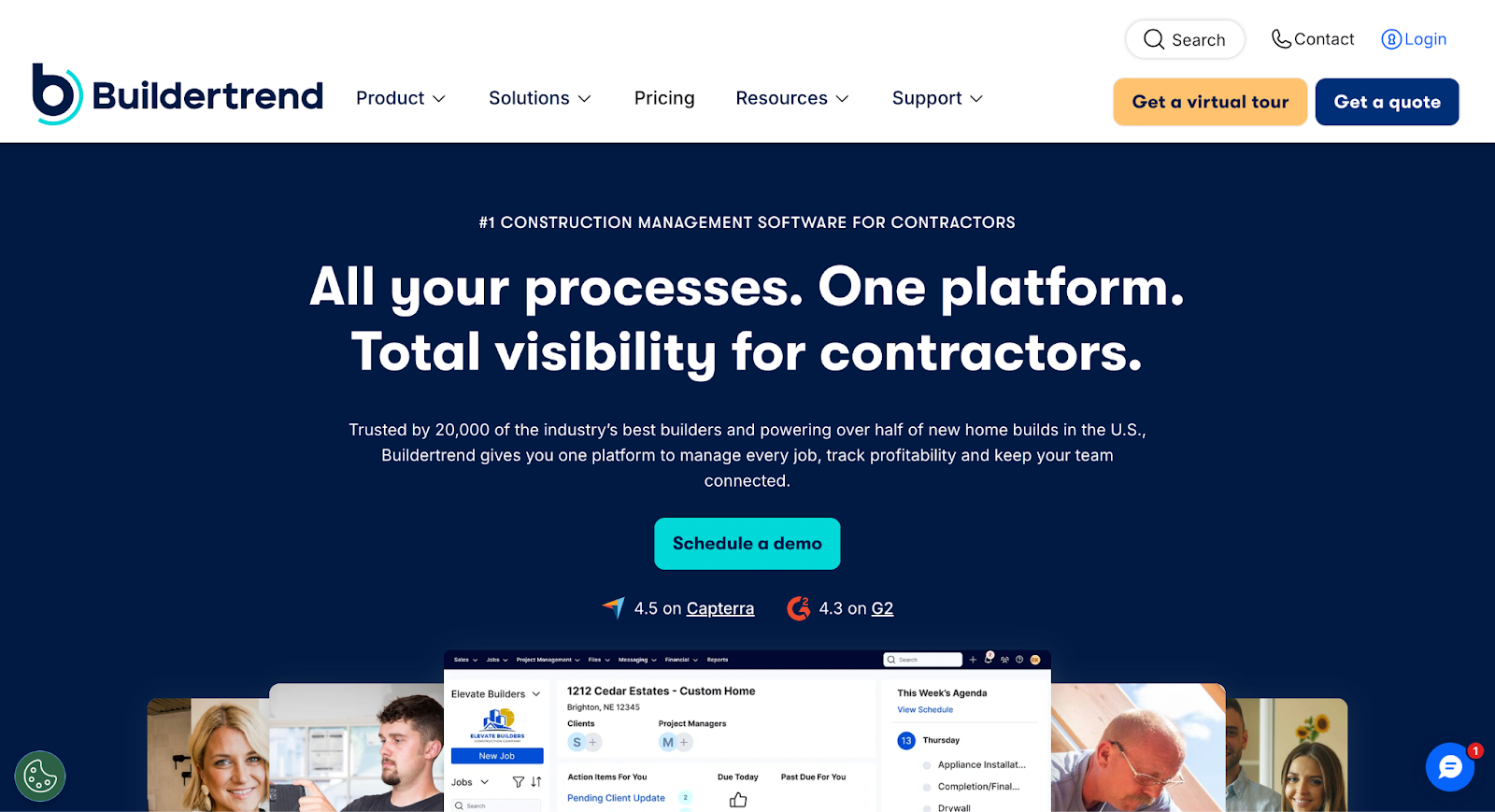
Builder Trend grew into a complete construction management system by covering every stage from initial estimate through final payment. Teams can manage schedules, budgets, material selections, change orders, and cash flow without jumping between different vendors. The platform combines scheduling tools with detailed financial tracking and client relationship management. Builder Trend invests heavily in customer education through annual conferences, regular training webinars, and one-on-one coaching sessions. This support infrastructure helps teams get real value from features they might otherwise ignore.
Key Features: Full-lifecycle project management from estimating to closeout; financial controls with budget tracking and change order management; client portals for selections and communication; unlimited user accounts at every pricing tier; CRM tools for managing leads and proposals; mobile apps for field access.
CoConstruct
- Original Focus: Custom home builders and residential remodelers (founded prior to 2020)
- Primary Offering: Financial management, estimating, budgeting, and cost control for residential construction
- Current Status: Integrated with Builder Trend; customers receive combined feature set
- Pricing: Starting at $399/month PLUS plan; includes comprehensive cost management tools
CoConstruct built a following among custom builders by making financial clarity the center of everything. The platform turns chaotic residential projects into transparent operations through detailed cost tracking, estimate management, and selection workflows. When CoConstruct merged with Builder Trend in 2026, users gained access to both platforms’ capabilities. Custom home builders get transparent pricing, client portals for making selections, and accounting connections that eliminate double data entry. The combined platform addresses both operational scheduling and tight financial control.
Key Features: Real-time cost tracking against estimates and budgets; detailed estimate management with line-item control; selection management with client portal access; change order workflows that protect margins; accounting software connections that sync financial data; profitability reporting at project and company levels.
Factors to Consider When Choosing Your Platform
Picking a platform starts with honest assessment of your actual needs. Here’s what matters:
Project Scope and Complexity
Large infrastructure and commercial work might need ALICE’s simulation capabilities or Planera’s collaboration tools. Smaller residential projects often work well with Basecamp’s simplicity or CoConstruct’s financial focus. Match the tool to the work you do most.
Team Size and Growth Plans
Per-user pricing adds up fast as companies scale. Planera and Builder Trend both offer unlimited users, which protects growing firms from bill shock. Basecamp charges the same flat rate regardless of team size.
Financial Management Depth
Tight-margin work demands serious budgeting and cost control. Builder Trend and CoConstruct both provide detailed financial tools. Teams with simpler billing structures may operate fine with Planera or Basecamp.
Integration Needs
Check which accounting systems, CRM platforms, and other tools connect with your chosen platform. Good connections save hours of manual data transfer and reduce errors.
Training and Support Preferences
Some teams prefer self-service learning. Others want structured training programs. Builder Trend offers conferences and coaching. ALICE provides dedicated support for large projects. Basecamp assumes users will figure things out independently.
Making Your Decision
Construction is rapidly shifting to digital-first operations, with various platforms offering different approaches to address common challenges. These platforms focus on areas like visual collaboration, project optimization, simplicity, and financial control. Identify your biggest challenge, whether it’s schedule coordination, budget overruns, field crew disconnection, or risk management, since each platform targets specific needs.
Request demos from two or three platforms that match your priorities, using real project data to evaluate how their workflows align with yours. Consider the total costs, including setup, training, and support, as a platform that takes months to implement may end up more expensive than one that’s quickly adopted. Finally, run a pilot project before a full rollout to assess how well the platform works and adjust your processes as needed.