




























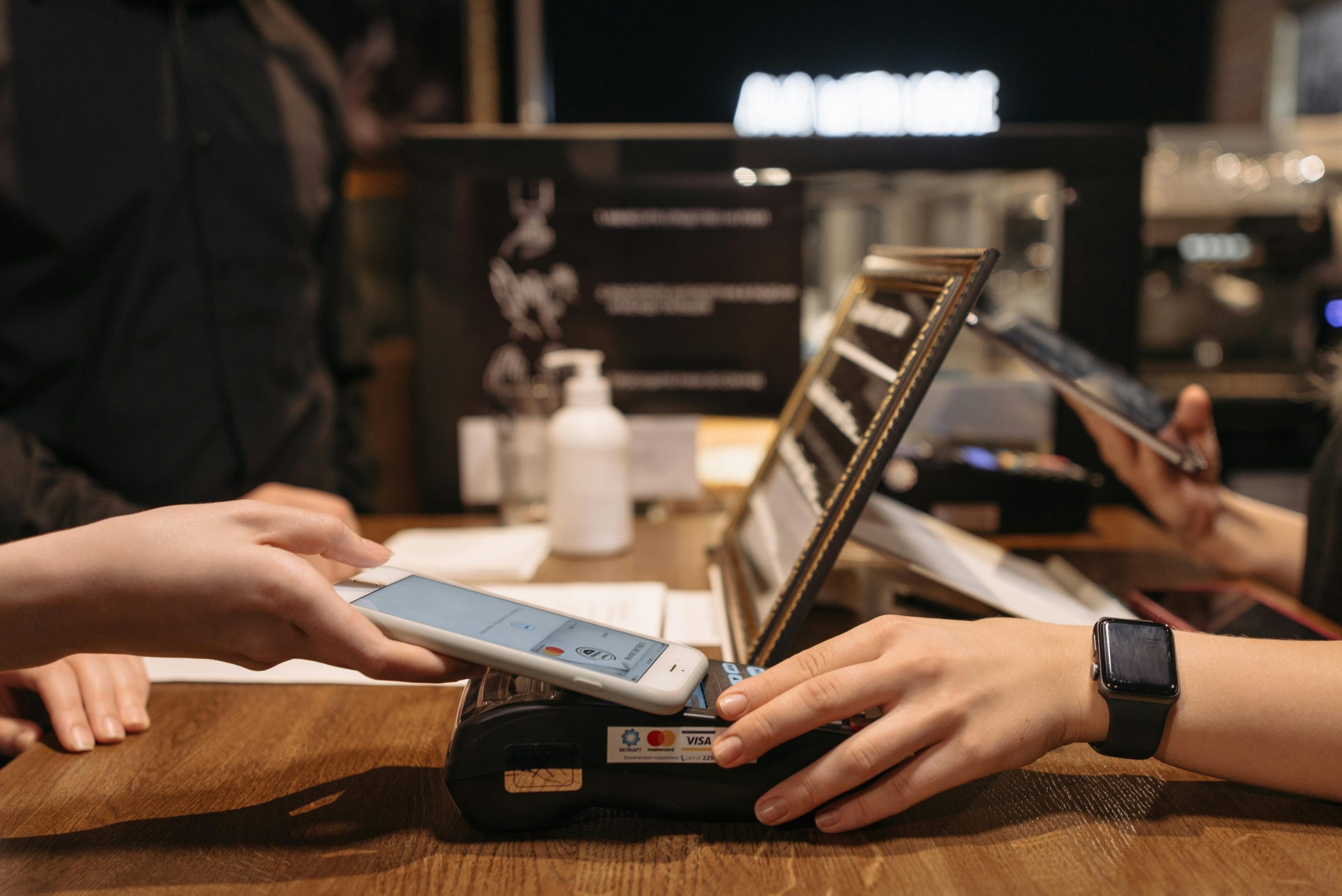
Small businesses face a tough choice when picking a POS system. The two main options are cloud-based systems and hybrid systems. Each has its own benefits and drawbacks that can affect how well a business runs.
Cloud-based POS systems work better for most small businesses because they cost less and are easier to manage, while hybrid systems suit businesses that need to work offline often. Cloud systems store data online and need the internet to work. Hybrid systems can work both online and offline by keeping data on local servers and syncing with the cloud when connected.
The right choice depends on your business needs and budget. Some small businesses need customizable POS software for small businesses that can grow with them. Others worry about internet problems affecting their sales. Understanding these differences helps business owners pick the system that fits their specific situation.
Join The European Business Briefing
New subscribers this quarter are entered into a draw to win a Rolex Submariner. Join 40,000+ founders, investors and executives who read EBM every day.
SubscribeComparing Cloud‑Based and Hybrid POS Systems for SMBs
Cloud-based systems store all data online and require internet access to function, while hybrid systems combine local storage with cloud sync features. Both approaches offer distinct advantages for different business needs and operating conditions.
Overview of Cloud‑Based POS Systems
Cloud-based POS systems store all data on remote servers accessed through the internet. Business owners can access their system from any device with an internet connection.
These systems typically cost less upfront since they don’t require expensive hardware or servers. Most providers charge monthly fees that include software updates and maintenance.
Key Features:
- Data stored on remote servers
- Access from multiple devices
- Automatic software updates
- Lower initial costs
- Monthly subscription pricing
Cloud systems work well for businesses with stable internet connections. They allow managers to check sales and inventory from anywhere.
The main drawback is complete dependence on internet connectivity. When the internet goes down, the POS system stops working entirely.
Overview of Hybrid POS Systems
Hybrid POS systems blend local data storage with cloud features. They store information on local servers or devices while syncing with the cloud when the internet is available.
These systems continue working even when the internet connection fails. Local storage keeps the business running during outages.
Key Features:
- Local and cloud data storage
- Works offline and online
- Data syncs when the internet returns
- Higher upfront costs
- Better for unstable internet areas
Hybrid systems cost more initially because they need local servers or storage devices. However, they provide better reliability for businesses in areas with poor internet service.
The system automatically syncs data once the internet connection returns. This prevents data loss during outages.
Key Differences Between the Two Approaches
| Feature | Cloud-Based | Hybrid |
| Internet Dependency | Complete | Partial |
| Initial Cost | Lower | Higher |
| Monthly Fees | Yes | Varies |
| Offline Function | No | Yes |
| Data Storage | Remote only | Local + Remote |
Cost Structure: Cloud systems have lower startup costs but ongoing monthly fees. Hybrid systems require more money upfront for local storage equipment.
Internet Requirements: Cloud systems need constant internet access to function. Hybrid systems work without internet but sync data when a connection returns.
Maintenance: Cloud providers handle all updates and maintenance automatically. Hybrid systems may require local IT support for hardware issues.
Scalability: Cloud systems easily add new locations or users through online dashboards. Hybrid systems may need additional hardware for expansion.
Data Security: Cloud systems rely on the provider’s security measures. Hybrid systems give businesses more control over their data storage and security protocols.
Evaluating the Best POS Solution for Your SMB
Choosing the right POS system requires careful evaluation of your business needs, technical requirements, and future plans. The decision depends on factors like your industry type, budget limits, and growth expectations.
Business Needs and Use Cases
Different industries have specific POS requirements that affect system choice. Restaurants need features like table management and kitchen display systems. Retail stores focus on inventory tracking and barcode scanning.
Service businesses often need appointment scheduling and customer management tools. Multi-location businesses require systems that sync data across all sites.
Key considerations include:
- Transaction volume per day
- Number of employees using the system
- Payment types accepted
- Inventory complexity
- Customer loyalty programs
Small businesses with simple operations may need only basic payment processing. Complex operations require advanced features like detailed reporting and staff management.
Budget plays a major role in system selection. Cloud systems typically cost $50-200 per month per terminal. Hybrid systems often have higher upfront costs but lower monthly fees.
Implementation Factors
Technical setup varies significantly between cloud and hybrid systems. Cloud systems usually take 1-3 days to implement. Hybrid systems may require 1-2 weeks for full installation.
Internet requirements differ between system types. Cloud systems need stable internet connections at all times. Hybrid systems can process sales offline but sync data when connected.
Hardware needs include:
- Tablets or computers for terminals
- Receipt printers
- Cash drawers
- Barcode scanners
- Payment card readers
Staff training time depends on system complexity. Simple cloud systems require 2-4 hours of training. Advanced hybrid systems may need 8-16 hours of staff education.
Integration with existing tools affects implementation speed. Accounting software, e-commerce platforms, and inventory systems must connect properly.
Scalability and Future Growth
Growing businesses need systems that expand easily. Cloud systems typically scale by adding new terminals and paying monthly fees. Hybrid systems may require additional hardware purchases.
Multi-location expansion differs between system types. Cloud systems sync data automatically across locations. Hybrid systems need a network setup between sites.
Growth considerations include:
- Adding new product lines
- Expanding to new locations
- Increasing transaction volume
- Adding more employees
- Integrating new payment methods
Feature upgrades happen differently in each system type. Cloud systems receive automatic updates with new features. Hybrid systems may require manual updates or new software purchases.
Cost scaling varies by system choice. Cloud systems increase monthly costs as the business grows. Hybrid systems have lower ongoing costs but higher expansion expenses.
Security and Compliance Considerations
Payment security requirements apply to all POS systems. Both cloud and hybrid systems must meet PCI DSS standards. Cloud providers typically handle security updates automatically.
Data protection differs between system types. Cloud systems store data on remote servers with professional security. Hybrid systems keep data locally, requiring business owners to manage security.
Security features to evaluate:
- End-to-end encryption
- Secure payment processing
- User access controls
- Data backup systems
- Fraud detection tools
Compliance requirements vary by industry and location. Healthcare businesses need HIPAA compliance. Retail businesses must follow PCI standards.
Regular security updates protect against new threats. Cloud systems receive automatic security patches. Hybrid systems need manual updates and maintenance.
Data backup and recovery plans prevent information loss. Cloud systems typically backup data automatically. Hybrid systems require manual backup procedures or additional software.
Conclusion
The choice between cloud-based and hybrid POS systems depends on your specific business needs and priorities. Cloud-based systems work best for small businesses that want lower upfront costs and easy scalability. Hybrid systems are better for businesses that need continuous operation during internet outages.
Consider your budget, internet connection stability, and growth plans when making this decision. Both options offer modern features that can help small businesses manage sales and inventory effectively.